How to Activate Your Overseas Physical SIM: Step-by-Step
From inserting the card and setting the APN to the first top-up: activate your US / UK / HK SIM with troubleshooting tips.
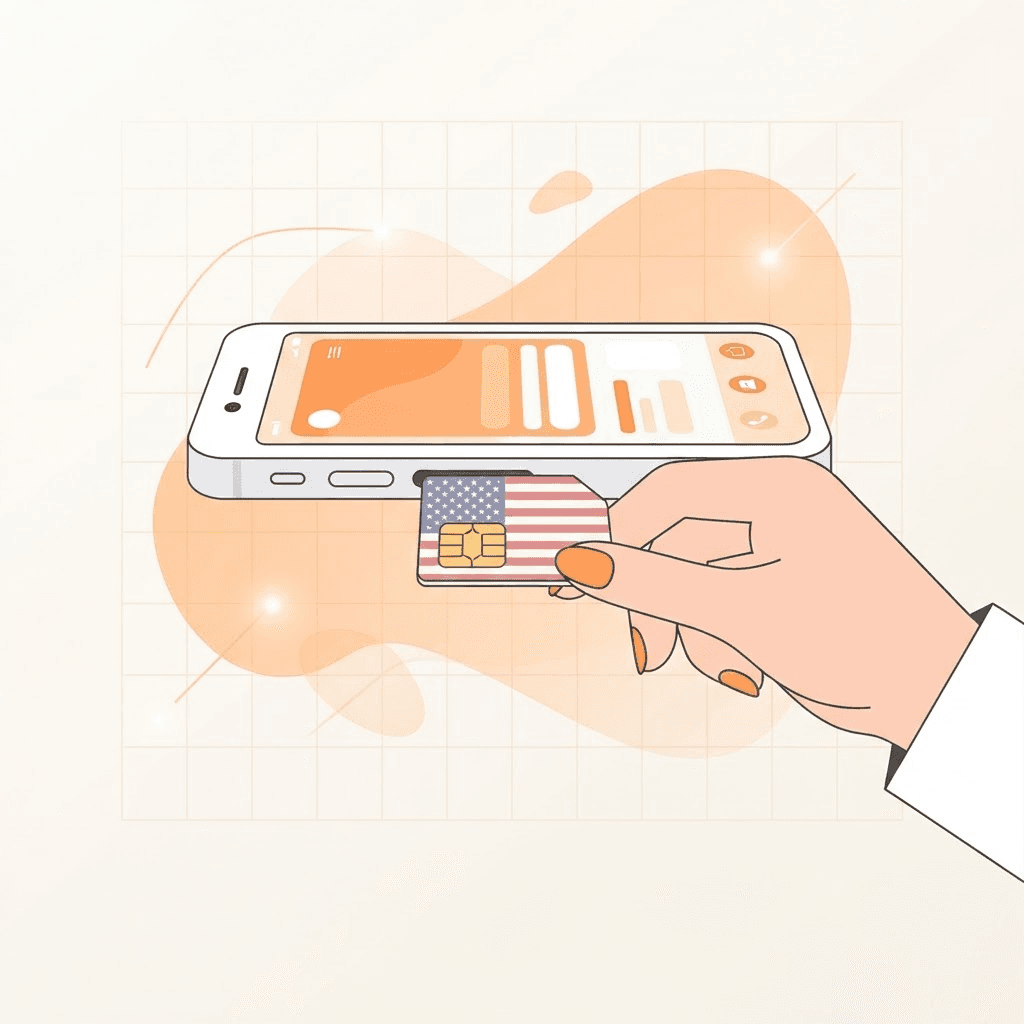
Before inserting the card, confirm the carrier on the card matches your order and prepare an unlocked phone. Most activation failures come from carrier-locked phones or roaming being off.
Step 1: Insert the SIM and enable roaming
Insert the SIM and enable Data Roaming in settings. Overseas SIMs operate in roaming mode locally; without roaming the phone shows no service. Wait 1-3 minutes until the carrier name appears.
Step 2: Configure the APN
Some carriers require a manual APN to get online. The activation guide shipped with your card lists the APN values. Enter them under Settings, Cellular, APN, save, then restart the phone.
Step 3: First top-up to keep the number
Complete the first top-up as required by the carrier (skip if your card includes a first-month plan). Once topped up, the number is active and can receive SMS codes worldwide.
Activation failed?
Check that the phone is unlocked, roaming is on, and the APN is correct. If there is still no service, manually search networks and pick the partner carrier listed in the guide, or contact support for a replacement.