What Is a US Apple ID For? A Complete Guide to Overseas Apple Accounts
What is a US Apple ID used for? Learn how to access the US App Store, download region-specific apps, use Apple services, and manage your account safely.
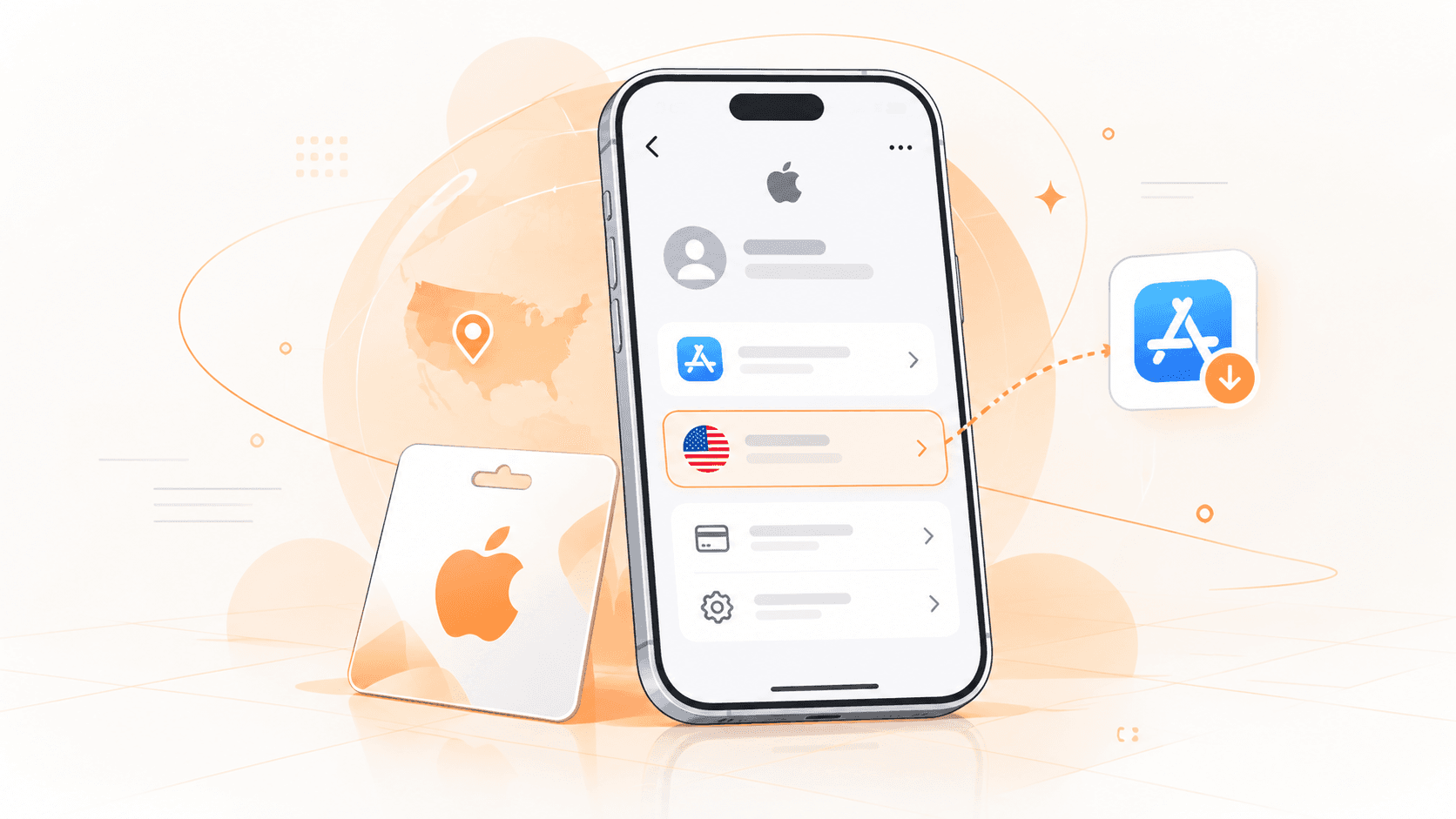
For iOS users in China, having a backup US Apple ID (Apple Account) is nothing new. Whether it's to download apps that aren't available on the China App Store or to experience a fuller Apple ecosystem overseas, a US account plays a crucial role. This article will give you a systematic and in-depth overview, starting from the definition of a US Apple ID, its core uses, who it's for, usage notes, and how to register or obtain one.
1. What Is a US Apple ID? How Is It Different from a China Account?
A US Apple ID is simply an Apple account with the country or region set to the United States. Apple has now renamed Apple ID to Apple Account, though most users still use the old name.
The core difference between US and China accounts lies in the App Store region they correspond to. For example, if an app is only available in the US, Japan, or other regions, you may not be able to find it with a China Apple ID. But after switching to an account for the corresponding region, you can access the apps offered by that local store.
This isn't because US accounts have special privileges; rather, Apple allows developers to choose which countries or regions their apps are released in. Besides apps, music, movies, books, and some subscription services are also affected by region.
Additionally, the payment methods supported in the two regions are not exactly the same. China accounts typically use payment channels supported in mainland China, while US accounts need to comply with US payment rules.
See the table below for details:
| Comparison Item | US Apple ID | China Apple ID |
|---|---|---|
| App Store Region | United States | Mainland China |
| App Downloads | Apps available in the US region | Apps available in mainland China |
| Apple Media Services | Services and content offered in the US region | Services and content offered in mainland China |
| Payment Methods | Payment channels supported in the US | Payment channels supported in mainland China |
| Gift Cards | Apple Gift Cards for the US region | Top-up rules for mainland China |
| Common Uses | Overseas app downloads, digital content, development testing | Domestic app downloads, daily use |
2. What Are the Specific Uses of a US Apple ID?
1. Download overseas apps not available in China
This is probably the main reason most people get a US account: some foreign apps are already available, but the developer didn't choose to release them on the China App Store. You might see someone recommend an app on social media, search for it in the China store with no results, or click a download link and get a message that it's not available in your country or region. In such cases, you can try using a US Apple ID to download it. However, a US account only solves the App Store region access issue. Whether the app can be registered and used normally after installation depends on whether the app itself has restrictions on phone numbers, payment methods, or service regions.
2. Use Apple digital services in the US region
Besides accessing the US App Store, a US Apple ID can also be used for Apple media services offered locally. For example, Apple Music, Apple TV, Apple Books, Apple Arcade, as well as Apple News+, Apple Fitness+, and other services have corresponding content or subscription options in the US region. However, simply registering a US account doesn't mean you can use these services for free. Paid items still require a subscription, and some features have device, region, or other usage requirements.
If you're mainly getting a US account for a specific Apple service, it's best to check that service's specific availability conditions first, rather than preparing the account only to find out it can't be used.
3. Buy paid apps and use US gift cards
For those who frequently buy overseas apps, games, or software subscriptions, a US Apple ID also involves payment and top-ups. A US Apple Account supports eligible payment methods and can also be topped up by redeeming a compatible Apple Gift Card to increase the account balance, which can be used to purchase eligible apps, games, or other digital content.
Note the gift card region here: Apple Gift Cards are not globally universal, so before buying, be sure to confirm the country or region the card corresponds to. If you plan to top up a US account, you need to choose a gift card applicable to the US region. Moreover, having a balance in the account doesn't guarantee that all subscriptions can be successfully activated; some transactions may still require other payment information.
4. Overseas app development and testing
If you work in iOS development, overseas product operations, or app testing, a US account has another practical use: checking how apps are displayed on the US App Store. For example, for an app preparing to launch in the US market, you can use a US account to see if it's already available, and whether the app name, description, screenshots, and downloadable version meet expectations.
Some apps use different product descriptions in different regions, and even their release times and features may vary. For teams that need to frequently check overseas apps, having accounts for the corresponding regions is much more convenient than repeatedly changing the region of the main account.

3. How to Get a US Apple ID?
If you've decided you need to use the US App Store, the next step is to prepare a US Apple ID. There are currently two common ways: register yourself through Apple's official channels, or get a ready-made account through a digital account platform. Each has its own characteristics, mainly depending on how you plan to use it.
1. Register through Apple's official channels
If you plan to use a US Apple ID long-term, registering it yourself is usually more suitable. The process isn't complicated; you just need an email address that can receive emails normally and a phone number you can use, and you can try to create one.
For specific steps, refer to the following:
Open the Apple Account official website and select "Create Your Apple Account."
Fill in your name, date of birth, email address, and set an account password.
Select "United States" in the country or region option.
Enter a phone number you can use normally and complete email and phone verification as prompted.
After the account is created, check the country or region setting, and then sign in to the App Store as needed.
Apple may offer different options on different devices and registration entry points. In some cases, the system will also require payment or billing information; follow the page prompts, and it's not recommended to use false identity or payment details.
The biggest advantage of registering yourself is that the account is managed by you from the start. The email, password, two-factor authentication, and recovery methods are all in your hands, so if you need to change information or deal with login issues later, you don't have to look for someone else.

2. Buy a US Apple ID from Haoxiaoer
If you don't want to register yourself, the simplest and most direct way is to buy an Apple ID directly from Haoxiaoer. For users who just want to download overseas apps, experience US region apps, or temporarily need an account for testing, this saves a lot of time.
Haoxiaoer is a one-stop platform for global digital accounts, offering Apple IDs for different regions and purposes, as well as Gmail, overseas social accounts, gift cards, and other digital goods. Users can view the corresponding product categories and specifications according to their needs, without having to find multiple sellers for different types of accounts.
Compared to inquiring through private channels, Haoxiaoer's purchase process is also clearer. The platform displays product prices, inventory, and related descriptions. After choosing the Apple ID you need, you can place an order yourself, and products eligible for automatic delivery can be obtained through the system after payment, without waiting for manual customer service replies. Whether it's an occasional personal purchase or a cross-border team needing to procure accounts for different regions, this method is quite convenient.
Another noteworthy aspect of Haoxiaoer is after-sales service. Digital accounts are different from ordinary physical goods; receiving the account doesn't mean the transaction is over. If you encounter problems on first login, or the actual product received doesn't match the description, whether you can find someone to handle it afterward is often more important. Haoxiaoer provides order inquiry, customer service consultation, and after-sales ticket channels. Users can report issues based on their order and apply for resolution according to the platform's published after-sales rules, avoiding the situation where the original seller can't be found after purchase.
However, before buying, you should still carefully read the product description, especially whether the account region, scope of use, and security information can be managed by yourself. Third-party accounts may carry risks regarding recovery permissions and terms of service. If you only use it for downloading from the US App Store, it's recommended to keep it separate from your daily iCloud main account; if you need to store personal photos, payment information, or other important data long-term, prioritize an Apple Account you registered yourself and fully control the recovery permissions for.
4. What Should You Pay Attention to When Using a US Apple ID?
Many people, after getting a US Apple ID, first sign out of their iPhone's original account and then sign in with the US account. If you're only doing this to download apps, it's actually unnecessary.
The iPhone's iCloud account and the account used for App Store purchases and downloads can be managed separately. You can continue using your original Apple Account to store photos, contacts, notes, and device backups, and only use an account from another region in "Media & Purchases." This way, you don't have to replace your long-term iCloud account just to download a few overseas apps.
However, there are a few things to pay special attention to when using two accounts: First, app updates. Apps obtained through a US account may still require the original Apple Account used for purchase when re-downloading, updating, or restoring purchases later. It's best to keep a record of which region's account you used to download which apps.
Another is payment issues: the US App Store has its own requirements for payment channels, and not all bank cards can be linked directly. If you plan to buy paid apps or subscription services, it's best to confirm in advance whether the payment method is available.
Also, it's not recommended to frequently change the region of your long-term main Apple Account. When changing country or region, Apple has corresponding requirements for account balance, subscriptions, Family Sharing, and unfinished transactions. If you only occasionally download overseas apps, repeatedly switching regions for this purpose is rather troublesome.
Finally, account security: whether you use a China or US Apple ID, as long as you plan to keep it long-term, you should check the password, two-factor authentication, and account recovery methods. Especially for accounts that have purchased paid apps or have a top-up balance, you should ensure you have the necessary login and recovery information.

As a key to the global treasure trove of digital apps, a US Apple ID can greatly expand the practical boundaries of iOS devices. As long as you master the correct management methods and properly handle account security and top-up issues, you can easily and safely experience a broader international digital life on your phone.
FAQ About US Apple IDs
Q1: Will signing in to my device with a US Apple ID affect my photos and WeChat chat history?
Answer: Not at all, as long as you sign in to the right place. iPhone allows the App Store and system iCloud to use different accounts. As long as you only sign in to the US account in the App Store, while the iCloud at the top of the system still uses your original China account, then your photos, contacts, WeChat records, phone backups, and all other private data will remain on domestic servers with no impact.
Q2: I see a paid app I want to buy on the US App Store. What's the safest way to pay?
Answer: The most reliable and lowest-barrier method is to top up using a US Apple Gift Card. UnionPay credit cards issued in China and ordinary Visa/MasterCard foreign cards are mostly rejected directly in the US region. You can directly buy a US gift card and redeem it to your account balance, then deduct payment to buy the app. Remember not to buy low-priced "black cards" from unknown small merchants, otherwise it can easily lead to your account being banned by Apple.
Q3: Will Apple reclaim or freeze my US Apple ID if I don't use it for a long time?
Answer: As long as your account is a dedicated account registered or purchased through legitimate channels and has two-factor authentication enabled, it won't be automatically canceled even if you don't log in for a long time. However, it's recommended to open the App Store or update downloaded apps periodically (say, every month or two) to keep the account active. Also, never lend the account to multiple people logging in frequently from different IPs, to avoid triggering risk control and locking the account.
Q4: After downloading software with a US account, if I switch back to my China account, can these apps still update normally?
Answer: After switching back to your China account, apps downloaded from the US region can still be opened and used normally. But when these apps need version updates, the system pop-up will ask you to enter the password of the US account used when the app was originally downloaded. As long as you enter it correctly, you can update directly without frequently manually switching the App Store region.