Safely Taking Over a Purchased Gmail: 5-Step Rebind & Warm-up Checklist
What to do first after receiving an account: change password, recovery email, 2FA and lock your login environment to minimise recall risk.
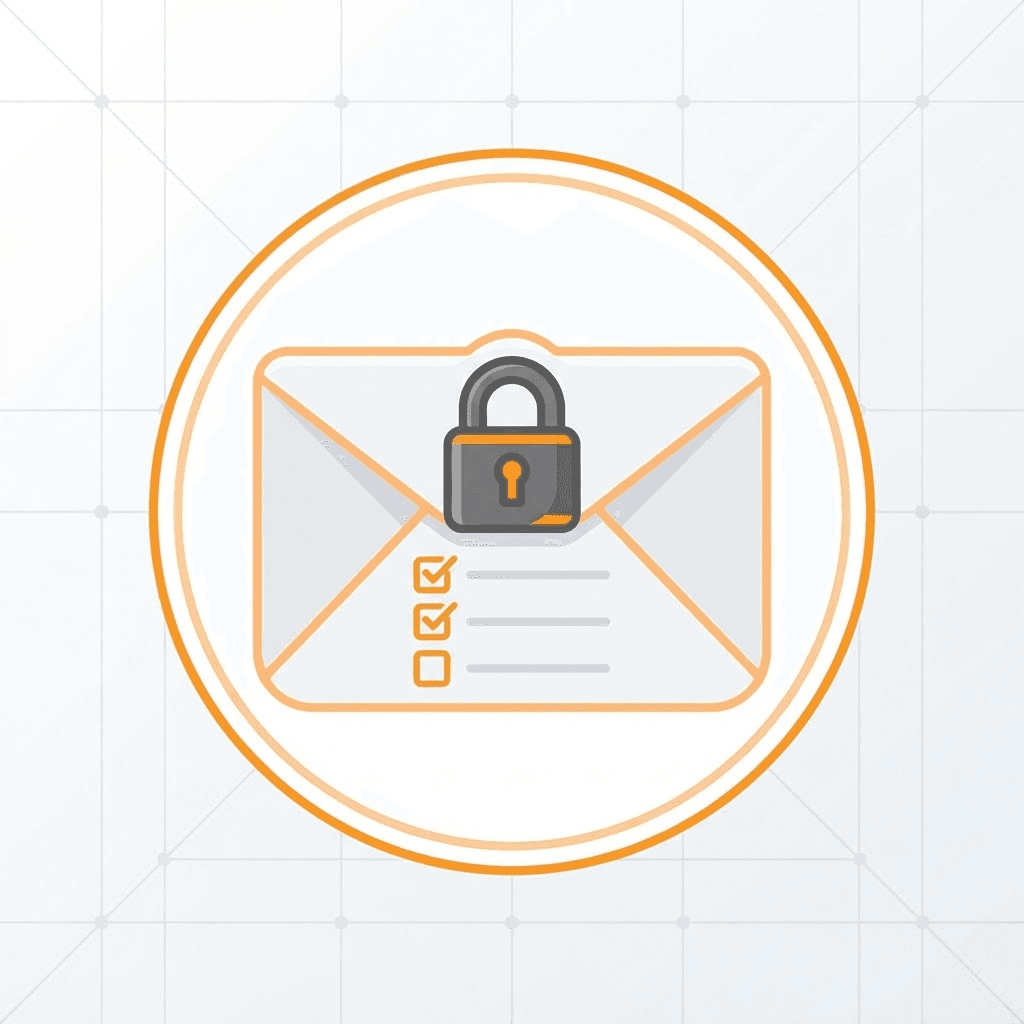
Whether a purchased account stays stable long-term depends on how well you take it over. Complete this prioritised checklist within 24 hours of delivery.
Step 1: Lock your login environment
First login from a clean browser profile and a stable IP (avoid hopping proxy regions). Keep that environment for at least a week so risk systems learn it.
Step 2: Change password and recovery email
Change the password first, then the recovery email, then remove the original phone. Space each step a few hours apart to avoid anomaly detection.
Step 3: Enable two-factor authentication
Enable 2FA right after rebinding (authenticator app preferred over SMS) and store the recovery codes safely.
Step 4: Warm up gently
For the first two weeks, use the account lightly: send a few emails, subscribe to a newsletter or two. Do not use it for bulk signups immediately.
Step 5: Review security activity monthly
Check the Security Checkup page monthly for unknown devices or unusual logins.