What Is an Apple ID? What Is It For? A Complete Guide to Apple Account Features and Usage
Learn what an Apple ID is, what it is used for, and how it works with the App Store, iCloud, subscriptions, device management, and regional Apple accounts.
After you power on a new iPhone, you'll quickly run into an account question: Apple ID. You need to sign in to download apps, sign in to enable iCloud, and you'll also need it for Apple Music, FaceTime, Find My, and other features. For first-time Apple device users, it's easy to mistake Apple ID for just a regular App Store download account, but in reality, it connects to far more than just the app store.
From app download history and iCloud data to subscriptions, payment methods, device management, and security verification, many Apple services run around this account. So what exactly is an Apple ID? What is it mainly used for? And why are there differences between US, Japan, and Hong Kong region Apple IDs? Let's break it down based on everyday usage scenarios.
1. What Is an Apple ID?
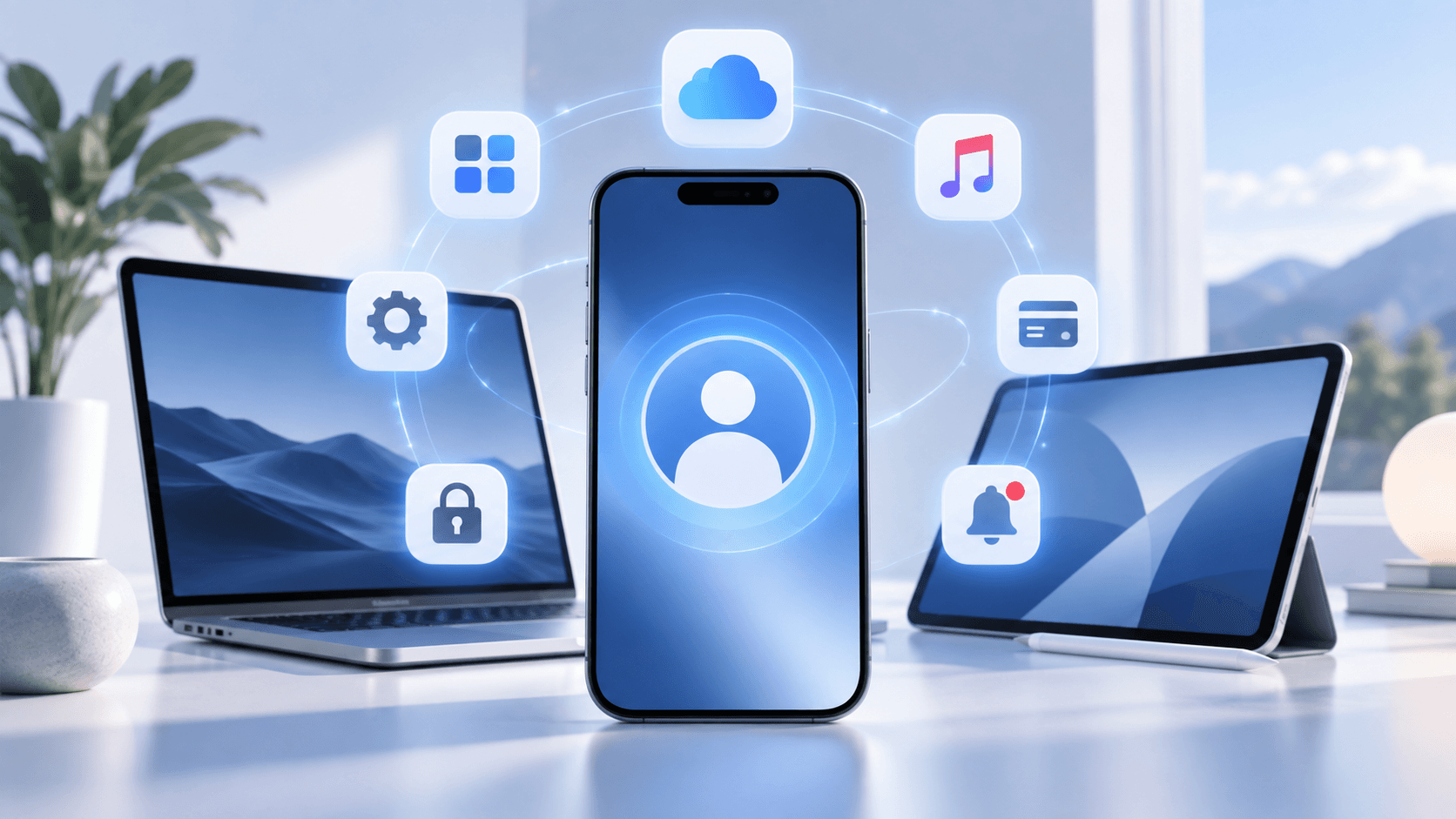
Simply put, an Apple ID is your personal account in the Apple ecosystem. Although the official name has now changed to Apple Account, its core function hasn't fundamentally changed. Apple officially defines an Apple Account as the account used to access various Apple services, which includes the email address or phone number used for sign-in, the password, and the contact information, payment information, and security settings associated with the account.
If you use an iPhone, iPad, and Mac at the same time, signing in with the same Apple ID allows many services to be linked across these devices.
For example, if you purchased an app on your iPhone, you can still find the purchase record through your account after switching to an iPad; photos, contacts, and notes saved to iCloud on your phone can also sync to other Apple devices signed in with the same account.
Therefore, an Apple ID is not a "phone account" unique to a single iPhone, but rather more like a passport for users to enter the entire Apple service system.
This is also why a long-term Apple ID is often more worth safeguarding than the phone itself. Phones can be replaced, but the purchase records, subscriptions, iCloud data, and device relationships in an account may have accumulated over many years.

2. What Is an Apple ID Used For?
For regular users, the most obvious use of an Apple ID is downloading apps, but after using it for a while, you'll realize it runs through almost the entire Apple ecosystem.
1. Downloading and Purchasing Apps on the App Store
The first time you open the App Store to download software, you'll typically encounter Apple ID.
After signing in, you can download free apps, purchase paid apps, make some in-app purchases, and view apps and purchase records previously obtained with this account.
This is also the most common use case for Apple ID.
It's worth noting that purchase records follow the account, not just a single device. So after switching to a new iPhone, as long as you still use your original account, many previously downloaded or purchased items can still be found.
Conversely, if an app was originally downloaded using a different Apple account, future updates may also involve the original purchasing account. Apple officially states that users cannot use one Apple account to update content purchased by another account.
2. Using iCloud to Save and Sync Data
iCloud is another concept that's very easy to confuse with Apple ID.
In fact, the two are not the same thing: Apple ID is the account, while iCloud is a cloud service that this account can use.
After signing in with your Apple ID and enabling the corresponding iCloud features, you can sync photos, files, contacts, calendars, notes, and some app data across different Apple devices.
For example, if you've used your original iPhone for several years, after switching to a new phone, you can sign back into your Apple account and restore or sync iCloud data as needed, so you won't have to manually reorganize everything.
So when people say "sign in to iCloud," they're essentially still using their Apple account.
For long-term Apple device users, this is also why it's not recommended to casually lend your main Apple ID to others, because the account may already be linked to a large amount of personal data.
3. Using Find My to Manage Devices
Apple ID is also linked to the Find My feature.
After enabling the corresponding feature on a device, you can use Find My to view the location of iPhone, iPad, Mac, Apple Watch, AirPods, and other devices associated with your Apple account, and perform actions like playing a sound or marking as lost based on the device's status. Apple officially states that to use Find My to locate a device, you need to use the Apple account that was used when setting up that device.
So for your main iPhone, Apple ID is not an account that "becomes useless after downloading a few apps" — it also plays a role in device management and security.
4. Using Apple Music, iMessage, FaceTime, and Other Services
Many Apple services are associated with Apple accounts.
In addition to the App Store and iCloud, Apple's official list of common services also includes Apple Music, Apple Books, Apple TV, iMessage, FaceTime, Game Center, Family Sharing, and Sign in with Apple.
For example, users who frequently use Apple Music will have their subscription linked to their account; using iMessage or FaceTime also involves the Apple account and phone number, email, and other information.
This is also a typical characteristic of the Apple ecosystem: on the surface, there are many different features, but behind the scenes, they all revolve around the same user account.
5. Managing Payment Methods, Subscriptions, and Purchase Records
Apple ID is also the unified entry point for many paid services.
In account settings, you can manage payment methods associated with the account, App Store and other Apple media service subscriptions, and the account's country or region.
If you subscribe to many apps or have purchased a lot of paid content, this part deserves special attention.
Therefore, it's best to check subscriptions you no longer use in a timely manner, and update your payment method when it changes, to avoid discovering payment issues only when you need to make a purchase or renew.
3. Are Apple ID and iCloud the Same Thing?
In iPhone settings, you often see Apple ID and iCloud at the same time, and since some users use an @icloud.com email, it's easy to get the impression that "Apple ID is the iCloud account."
In fact, a more accurate understanding is: Apple ID is your Apple account, and iCloud is a service under this account.
For example, you can register an Apple account with your email address, and then use this account for iCloud, App Store, Apple Music, Find My, and other features.
So although the two are very closely related, they are not exactly the same concept.
If you later encounter terms like "Apple ID password" and "iCloud password," don't rush to interpret them as two completely independent account systems. In most everyday usage scenarios, users are actually signing in with the same Apple account.

4. Why Do Apple IDs Have Different Regions?
After understanding the basic functions of Apple ID, there's another question that often puzzles new users: they're all Apple IDs, so why do people online often talk about "US region Apple ID," "Hong Kong region Apple ID," and "Japan region Apple ID"?
The "US region," "Japan region," or "Hong Kong region" mentioned here mainly refers to the country or region set for the Apple account.
Different countries and regions offer different Apple media services and App Store content. Apple officially states that depending on the user's country or region, the availability of certain apps, movies, music, books, subscription services, and related features may vary.
This is also the main reason why many people need Apple IDs from different regions.
For example, if an app is only listed on the App Store in a specific region, searching for it directly in other regional stores may not yield results. In such cases, users start searching for "how to register a US region Apple ID," "how to use a Japan region Apple ID," or "what's the difference with a Hong Kong region Apple ID."
Therefore, Apple IDs from different regions don't mean the account itself has completely different functions, but rather that the corresponding App Store and some media services have regional differences.
If you only use WeChat, Alipay, Maps, and common domestic apps in daily life, and have no special need for overseas apps, there's generally no need to frequently switch accounts just for "different regions."
5. What If You Need an Apple ID from Another Region?
If you've determined that you need to use an App Store from another region, the safer approach is still to register your own Apple account based on actual needs, and keep the account password, trusted phone number, and security verification information well saved.
However, in practice, some users may want to directly use a ready-made account due to overseas app downloads, software testing, or temporary regional account needs.
In such cases, you can directly find the corresponding Apple ID through Haoxiaoer, a one-stop digital account purchasing platform. In addition to various Apple IDs, Haoxiaoer also offers Google Gmail accounts, social media accounts, membership top-ups, and other digital goods to meet various needs.
However, it's important to distinguish one thing: an account used for temporarily downloading apps and your main account used for long-term storage of photos, contacts, payment methods, and other personal data should not be used in exactly the same way.
If an account hasn't been under your control since registration, you should first understand the account's purpose and security information before signing in. It's not recommended to directly put important personal photos, contacts, bank card information, or long-term iCloud data into it.
For your main iPhone and personal data, in the long run, it's still more suitable to use an Apple account that you registered yourself and can continuously control the security verification method for.
6. What Should You Pay Most Attention to When Using Apple ID?
The longer you use an Apple ID, the more important the account usually becomes. A main account used for several years may already contain app purchase records, photos, files, subscriptions, payment methods, and information for multiple devices. Therefore, what really needs attention is not just "don't forget your password," but ensuring the account always remains in your hands.
First, don't casually give your main Apple ID and password to others. Apple's official security recommendations also clearly state that you should not disclose your Apple account password, verification codes, recovery key, and other account security information to others.
Second, make sure your trusted phone number remains available long-term. If you change your phone number in the future, it's best to check the security settings in your account promptly, to avoid the situation where your phone number has been deactivated but the account verification method hasn't been updated.
Additionally, it's recommended to enable two-factor authentication. Once enabled, even if someone else knows your account password, signing in on a new device or web page will usually still require a verification code obtained through a trusted device or trusted phone number. Apple treats two-factor authentication as an important security mechanism for Apple accounts and states that most accounts now use this verification method.
For accounts that you didn't register yourself, you should be even more careful to distinguish usage scenarios. Temporarily downloading apps and long-term storage of personal data are completely different things. Don't put years of photos, contacts, or other important data into a temporary account just to download an app.
Conclusion
An Apple ID may seem like just a set of login credentials, but after using Apple devices for a while, you'll realize it runs through almost the entire Apple ecosystem — App Store, iCloud, purchase records, subscriptions, device management, and account security. For regular users, there's no need to overcomplicate Apple ID. In daily use, just maintain your main account well and ensure your password, trusted phone number, and two-factor authentication are all under control, and you can basically avoid most account issues.
If you need an Apple ID from another country or region due to overseas App Store, app testing, or regional restrictions, you should first clarify whether your need is "temporarily downloading apps" or planning to use this account as your main account long-term. The account itself is just an entry point; what really matters is the data, purchase records, and personal information that gradually accumulate inside. Separating the purposes of your main account and temporary accounts is often more hassle-free than frequently switching Apple IDs.
Related Q&A
1. After deleting my account, are the paid apps I previously purchased on the App Store still there?
Deleting (permanently deleting) an Apple account is an irreversible operation. Once the account deletion is complete, all purchase history, paid subscriptions, iCloud backups, and game progress tied to that account will be completely erased and cannot be recovered. This means you can no longer re-download those paid apps from the "Purchased" section of the App Store; even if the downloaded apps remain on your device, they will eventually face the situation of being unable to update because they cannot pass the original account's authentication verification.
2. Can I bind multiple different email addresses to the same Apple account?
Yes. In your device's "Settings" > "Name/Account" > "Sign-In & Security," you can add multiple email addresses or phone numbers as additional contact methods. After adding and verifying them, these emails can all be used as credentials to sign in to your Apple account, and can also receive messages or calls from FaceTime and iMessage.
3. Can I use an Apple ID on a Windows PC or Android phone without an Apple device?
Absolutely. Apple ID is a universal account system. You can sign in to the iCloud web version (icloud.com) through a browser to view cloud photos, notes, contacts, and find devices on Windows or Android devices. In addition, there are official Apple Music, Apple TV, and iCloud clients available on the Windows platform.
4. I changed my phone number. How do I safely update the two-factor authentication number for my Apple account?
Never wait until after your old phone number is deactivated to handle this. The correct approach is to sign in to your phone's "Settings" > "Sign-In & Security" > "Two-Factor Authentication" while the old number can still receive text messages normally, first add the new trusted phone number and complete verification. After ensuring the new number can receive verification codes normally, then remove the old phone number. This can avoid the risk of "account lockout" caused by number changes.
5. After an app is removed from a certain region, can I continue to update it by switching to an Apple ID from another region?
No. The app version updates and purchase authentication mechanism in the App Store are strictly locked. If an app is removed from the App Store in region A, even if you switch to a region B account, find the app, and download it, the versions in these two regions are treated as different items behind the scenes. When updating the app later, the system will still prompt you to verify the original purchasing account (region A).