What's the Difference Between an Apple ID and an iCloud Account? How Should You Choose When Buying?
Confused by Apple ID vs iCloud? Learn the differences between Apple Accounts, App Store download IDs, and iCloud features, plus a guide on choosing the right one for overseas apps.
When people first dive into the Apple ecosystem, they often get confused by the terms Apple ID and iCloud account. Every time you set up a new iPhone or iPad, the system asks for your Apple ID one moment and then pops up an iCloud login prompt the next. Are they the same thing? If you just want to download apps from the App Store, or need a foreign region account, how should you choose when buying or registering? This article will clarify the essential difference between an Apple ID and an iCloud account in plain language, and provide a practical buying guide to help you avoid common pitfalls.
1. What Is the Relationship Between an Apple ID and an iCloud Account?
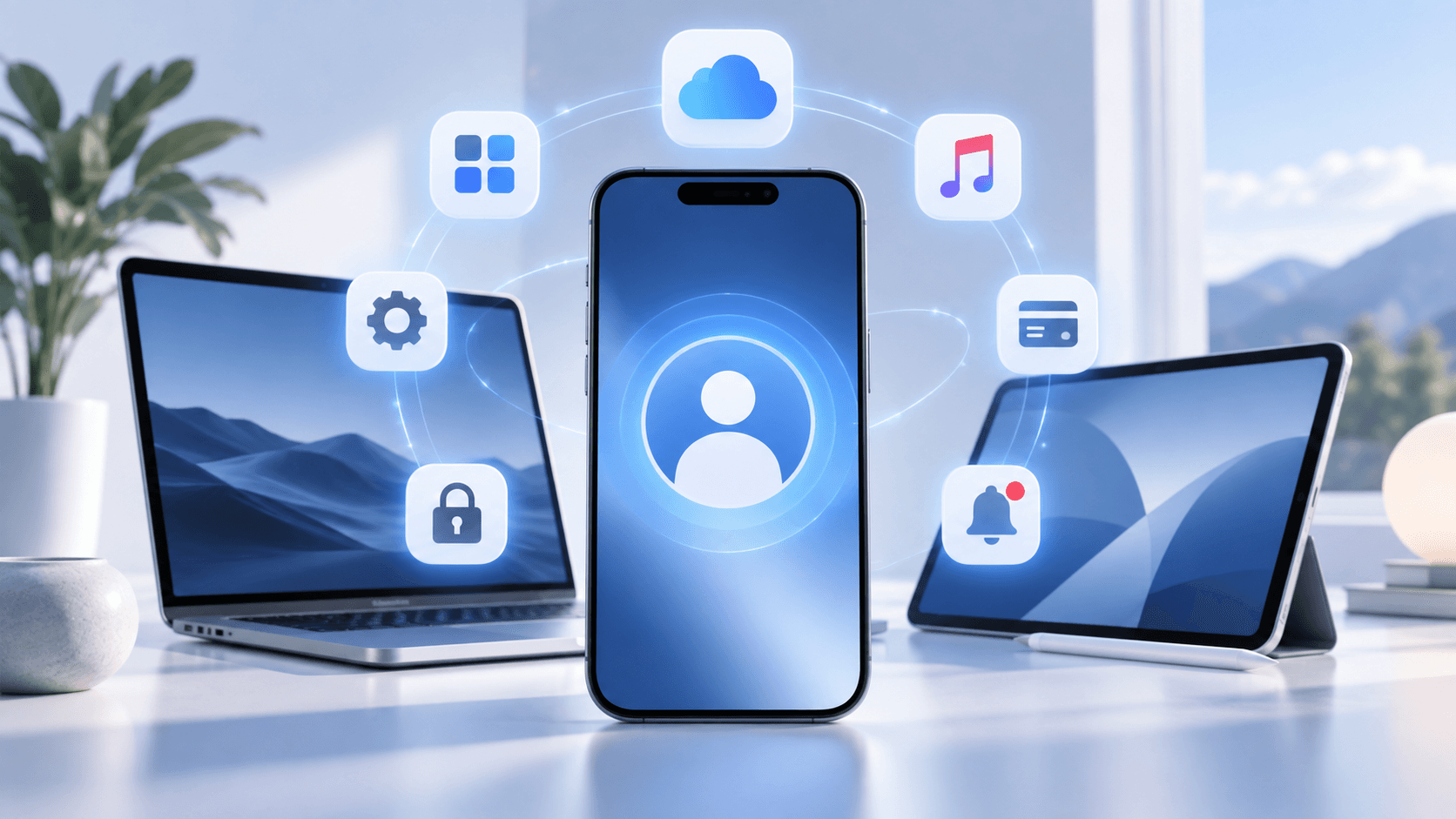
People used to say Apple ID, but Apple has now officially unified the name to Apple Account. The name has changed, but the essence remains the same. An Apple Account can be used to sign in to App Store, iCloud, Apple Music, iMessage, FaceTime, and many other Apple services. So a more accurate way to understand it is: Apple Account is the account, and iCloud is one of the services that account can use.
In other words, it's not that you first have an Apple ID and then need to register a completely separate iCloud account. What people commonly call an "iCloud account" is just a habitual way of speaking. When you actually sign in to iCloud, you're still using your Apple Account.
This is also why, from Apple's official account system alone, it's not accurate to think of "Apple ID" and "iCloud account" as two completely parallel accounts.
2. Why Do Purchase Pages Still Distinguish Between Apple ID and iCloud Account?
The issue mainly comes from product categorization. On digital account trading platforms, sellers usually don't name products strictly according to Apple's official account system. Instead, they categorize products directly based on user scenarios.
Some people buy an overseas Apple ID just to sign in to the App Store and download apps from a specific region.
These accounts are typically called: regular Apple ID, download account, or App Store account.
Other users genuinely need to sign in to iCloud, involving cloud data, syncing, or related services. These products may be separately labeled as: iCloud account.
So when you see different account types on Haoxiaoer's Apple ID purchase page, what really matters isn't whether they are "two separate Apple official accounts," but what purposes and usage scope the platform has set for these accounts. Simply put: regular accounts are more for downloading apps, while iCloud-type accounts are more for iCloud-related use.
3. What's the Difference Between an Apple ID Download Account and an iCloud Account?
From a practical usage perspective, the main difference between the two comes down to purpose.
| Comparison | Apple ID Download Account | iCloud Account |
|---|---|---|
| Nature | Apple Account | Apple Account |
| Main purpose | Sign in to App Store, download apps | Sign in to and use iCloud-related services |
| Key focus | Region, App Store availability | Security information, account control |
| Involves cloud data | Usually minimal | May involve photos, files, contacts, etc. |
| Best for | Downloading overseas apps | Genuinely needing iCloud features |
| Security requirements | Focus on login and account information | Greater need to focus on long-term control and personal data |
As you can see, the real difference between the two is: one mainly solves App Store download needs, while the other involves iCloud usage. If your need is simply to download a certain overseas app, a regular download account is usually sufficient. There's no need to buy a more complex account just because "iCloud account sounds like it has more features."
4. If You Just Want to Download Overseas Apps, How Should You Choose?
If the purpose of buying an Apple ID is just to download an app that isn't available in your local App Store, the first thing to do isn't to decide whether you need iCloud, but to confirm: which region's App Store is this app available in?
If you need to download a US app, prioritize a US region Apple ID; if you need a Japanese app, choose a Japan region account; if the target app is in the Hong Kong region, there's no need to blindly switch regions just because accounts from other regions are more expensive.
So the more logical selection order should be: first determine the target app → determine the App Store region → then choose the account type.
Haoxiaoer's Apple ID purchase page itself offers different regions and different account specifications. Filtering in this order during purchase will make things much clearer.
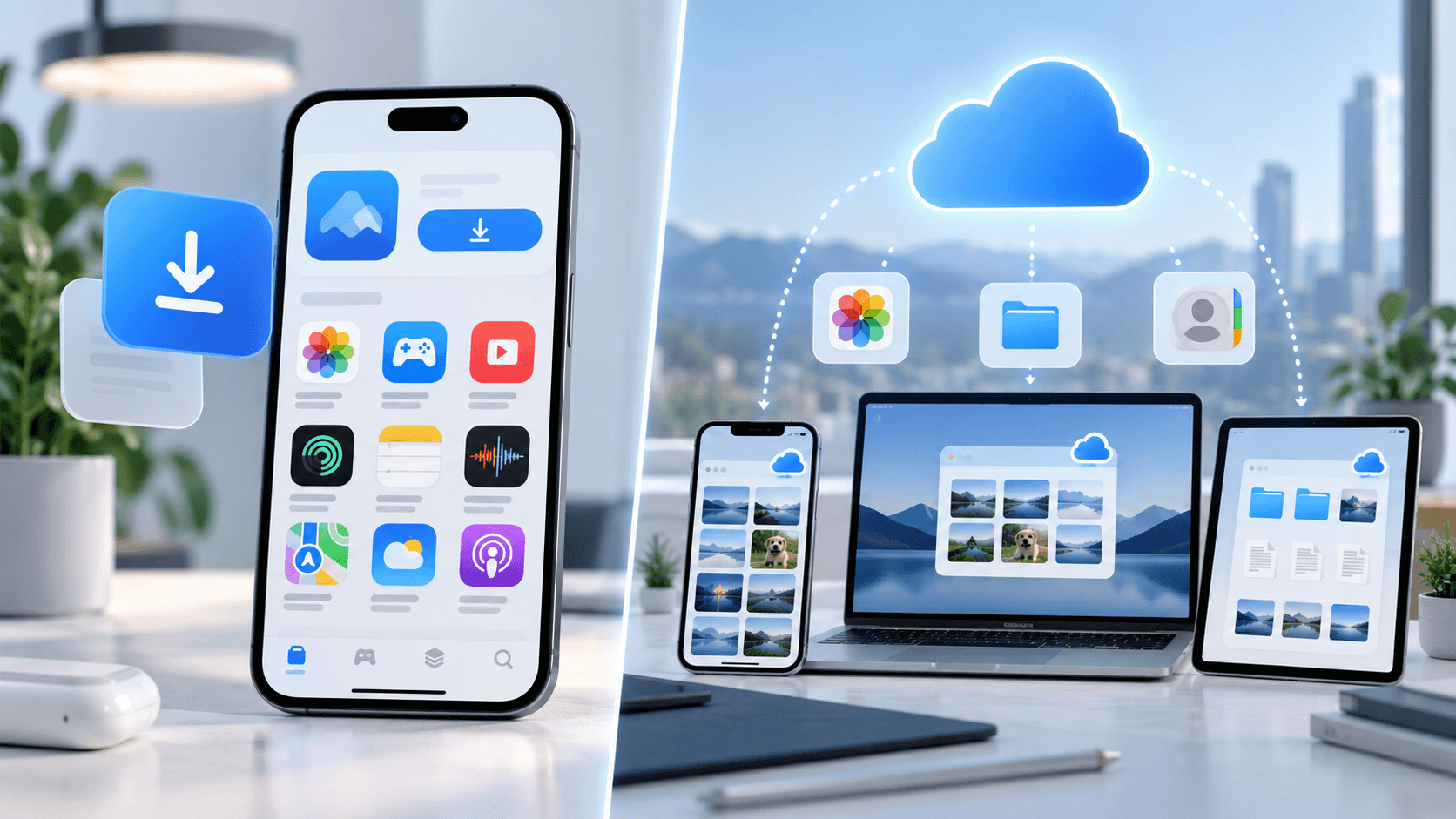
If it's only for App Store downloads, then choosing a regular Apple ID from the corresponding region is usually enough. For pure app downloads, there's generally no need to prepare an iCloud account separately. This is also the most practical difference between a regular download account and an iCloud-type account.
5. If You Really Need to Use iCloud, What Should You Watch Out For?
If your need goes beyond just downloading apps and you're actually planning to sign in to iCloud, then your focus needs to shift. Because iCloud may involve photos, contacts, files, cloud data, and device syncing. At this point, what matters most isn't saving a few bucks on the account, but: whether you have long-term control over the account.
If an account is going to serve as your primary iCloud for the long term, you should confirm that the password, security information, recovery methods, and other details are truly in your hands. Especially for accounts from third-party sources, it's not advisable to casually sign in to the main iCloud slot on your entire iPhone just because it's "convenient."
If you're just downloading apps, using the account for the App Store alone is enough. For iCloud that genuinely involves your personal photos, files, and contacts, it's safer to prioritize an Apple Account you've controlled long-term. This is also why it's best to understand regular download accounts and iCloud accounts separately.
Download accounts solve region and app acquisition issues, while iCloud accounts involve device data and account security. The usage scenarios for the two are fundamentally different.

6. Before Buying an Apple ID, Check These 4 Things First
If you do need to buy an Apple ID through a third-party platform, don't just look at the price. What really affects your subsequent experience are the following basics.
1. Is the account region what you need?
This is the easiest thing to get wrong.
First confirm which region the target app is available in, then choose the corresponding region account.
Don't buy an account unrelated to your actual needs just for the price or a so-called "rare region."
2. Is the delivery information complete?
Before buying, check clearly what you will actually receive.
At minimum, you should know: the account; the password; whether security information is included; and which information can be modified later.
If the product page only says "Apple ID" without specifying the exact delivery contents, pay extra attention.
3. Can the password and security information be changed?
If you plan to use it long-term, this matters more than the price.
Especially for accounts involving iCloud, if the security information remains in someone else's hands, it's not suitable for storing your private data.
The same goes for regular download accounts—at minimum, confirm that the account can log in and be managed normally.
4. What if the first login fails?
The most realistic issue with digital accounts is: can you actually log in after receiving it?
So before buying, it's best to check in advance the first-login guarantee, account replacement rules, and after-sales policy for virtual goods.
This information should be reviewed before payment, not sought out after problems arise.
7. So How Should You Choose Between an Apple ID and an iCloud Account?
If it's just for downloading overseas apps, prioritize a regular Apple ID corresponding to the target App Store region. There's no need to increase your budget just because "iCloud accounts have more features."
If you have country or region requirements—for example, you specifically need a US, Japan, or other region account—first determine the region where the target app is available, then choose the account.
If you genuinely need to use iCloud long-term for syncing photos, files, contacts, or even device backups, then the focus shouldn't be on "which account to buy," but rather on prioritizing an Apple Account you can control long-term.
If you do obtain an account from a third-party channel, make sure you understand the login permissions, security information, modifiable details, and after-sales rules before using it.
Conclusion
The reason Apple ID and iCloud account are so easily confused is largely because Apple's official account system and the product names in the account marketplace get mixed together. Apple ID can be used to sign in to App Store, iCloud, FaceTime, iMessage, and many other Apple services. iCloud is a core service available to an Apple Account—it's not a completely separate account system.
In the purchasing context, "Apple ID download account" and "iCloud account" are more about distinguishing different purposes. If you're just downloading overseas apps, focus on App Store region and download needs; if you genuinely need to use iCloud, then pay further attention to account control, security information, and personal data safety.
So before choosing, think clearly: Which region's apps do I want to download? Do I actually need to use iCloud? Once you've answered these two questions, then go to Haoxiaoer's Apple ID page to look at specific account specifications. You won't get confused by different names like "download account" and "iCloud account."
Related Q&A
Q1: Can I sign in to iCloud with a China region account and App Store with a US region account on the same iPhone?
Absolutely. iOS supports a "dual account separation" mode. You can sign in to your long-term primary China account in the "personal account" section at the top of Settings, dedicated to iCloud data backup, photo syncing, and contact storage. At the same time, open the App Store separately, tap the profile icon in the top right corner, and switch to a US Apple ID for downloading overseas apps. These operations don't interfere with each other, and this is the most recommended safe approach for using foreign region accounts.
Q2: If I only sign in to a purchased overseas Apple ID in the App Store, will my phone's photos and contacts be leaked?
No. Because the App Store is only responsible for app downloads and updates, and doesn't touch system-level cloud data syncing. As long as you don't sign in to the purchased account at the main system settings entry on your iPhone (i.e., the iCloud slot), that account has no right to read your personal photos, contacts, notes, or device backups.
Q3: What exactly is the difference in permissions between a download account and an iCloud account?
From Apple's official system perspective, both are the same account (Apple Account), and the permissions themselves are identical. But in the third-party account market, a "download account" is usually a credential registered in bulk for short-term or single-app downloads, with lower security safeguards. The so-called "iCloud account" usually includes complete security questions, a rescue email, and may even allow binding a phone number to enable two-factor authentication, offering higher ban resistance and control. It's suitable for scenarios with data syncing needs.
Q4: After downloading software with a US Apple ID and then signing out and switching back to my China account, will the app still open and update normally?
Downloaded apps can be opened and used normally. But when the software releases a version update, the App Store will prompt you to enter the password of the US account that was used to download the app for verification. You can temporarily switch back to the US account to update, or simply enter the US password in the update popup to complete the upgrade, then switch back to your regular state afterward.
Q5: What's the first thing I should do after receiving a purchased foreign region Apple ID?
After receiving the account, the first step is to go to Apple's official account management website (account.apple.com) and try to log in to check whether the account status is normal. The second step is to immediately change the login password. The third step is to change the bound rescue/alternate email. The fourth step is to bind your own phone number and enable two-factor authentication (if the account type supports it). Only after completing these four steps have you truly taken over the account.
Q6: Will changing the Apple ID in the App Store delete or invalidate previously downloaded China apps?
They won't be deleted. Switching App Store accounts only changes the content displayed in the current store and the downloadable region library. All software already installed on your iPhone home screen will remain locally. However, if these China apps need major version updates in the future, you'll still need to switch back to the original China account to complete the upgrade.