Choosing an Apple ID Provider: Account Types and Buying Options
Compare download, iCloud, and purchased-app accounts, then check region, delivery details, and first-login support.
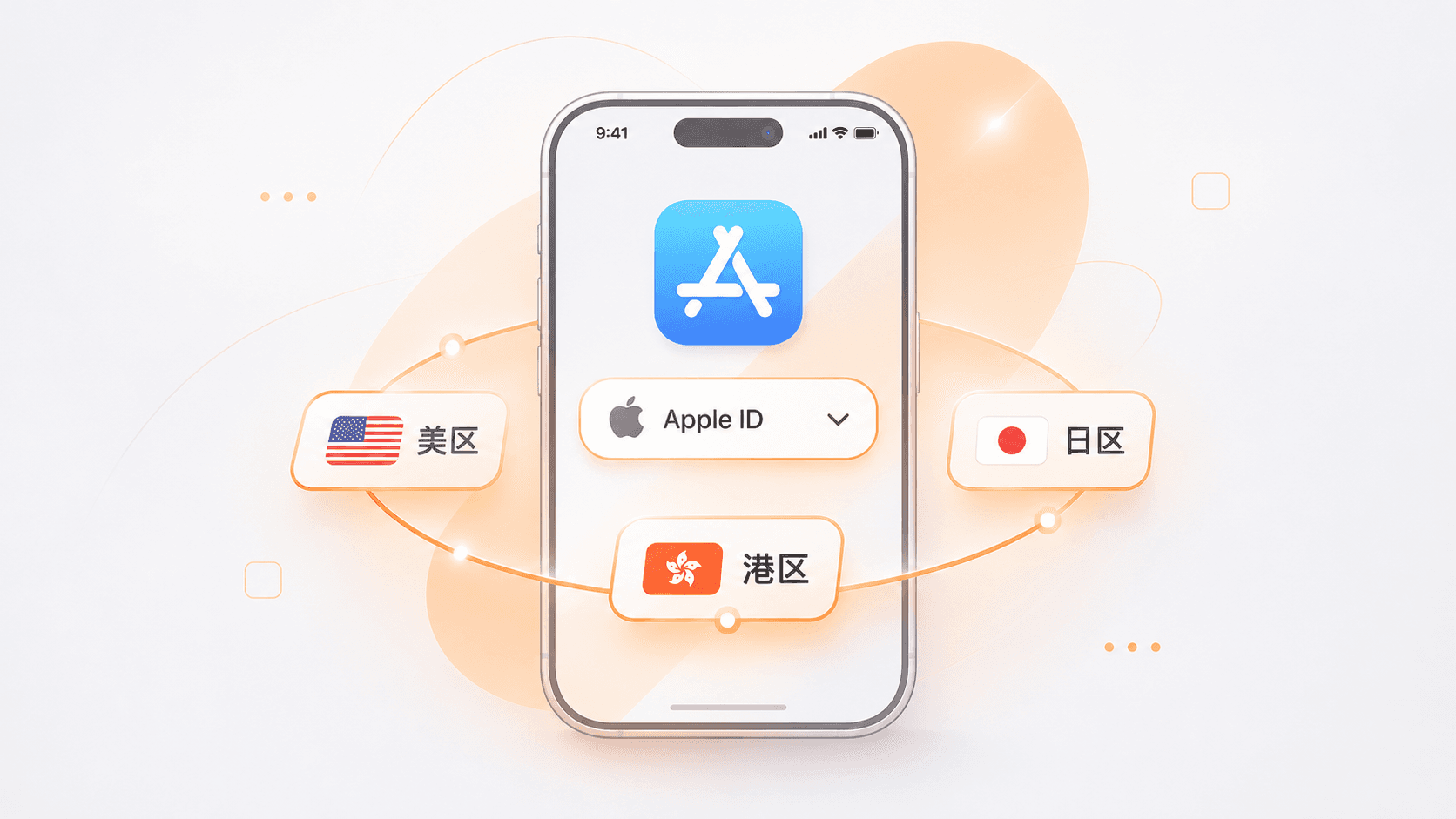
When buying an Apple ID, many people start with the country or region: the US, Japan, or Hong Kong. Account type matters just as much. Some accounts are intended only for App Store downloads, others support iCloud, and some already have a particular paid app in their purchase history. Each has different uses and delivery terms. The source matters too: creating an account yourself gives you control from the outset, but you must complete registration and verification. A ready-made account saves some of that preparation, so check the specifications, delivery details, and support terms carefully.
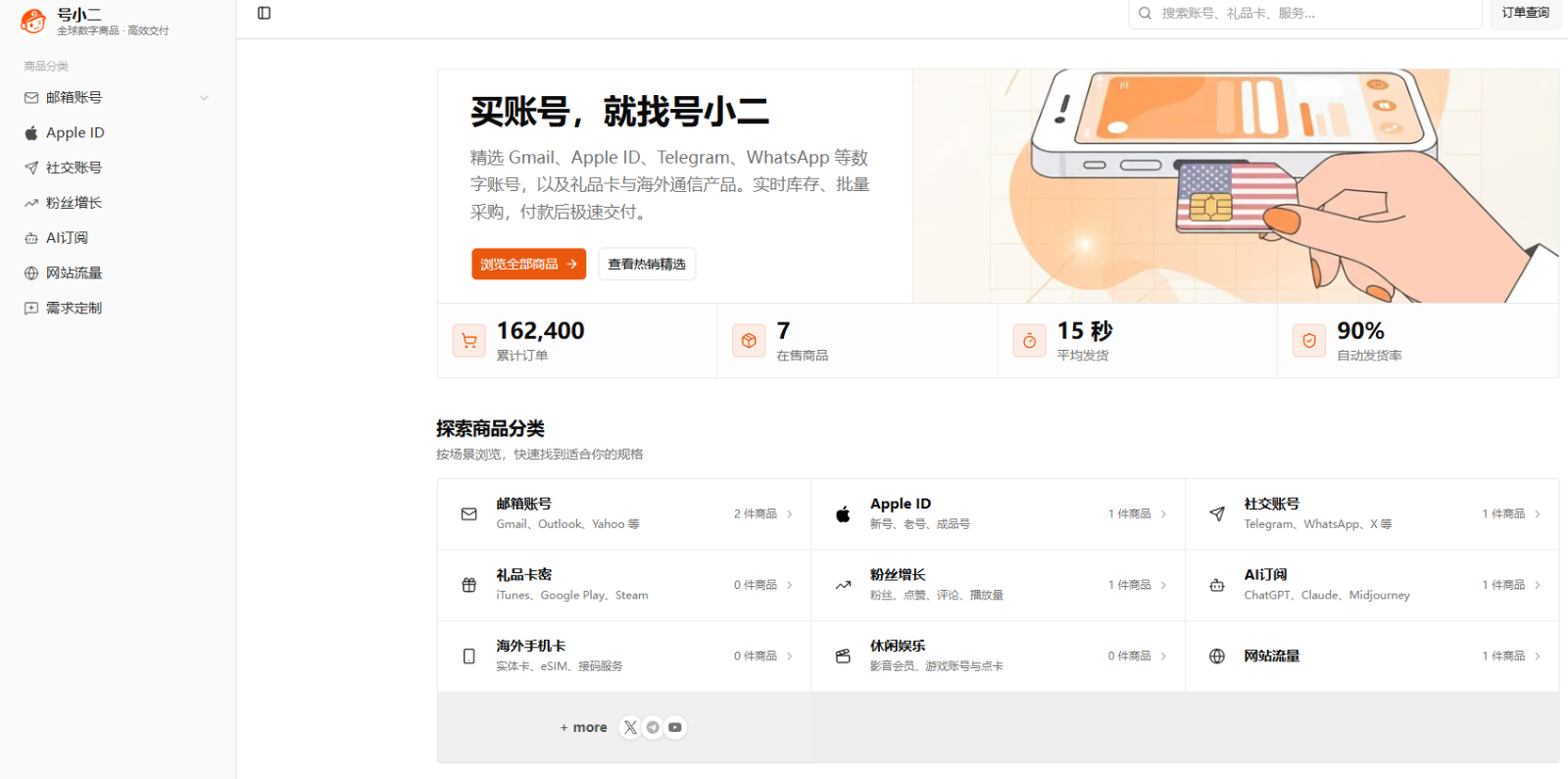
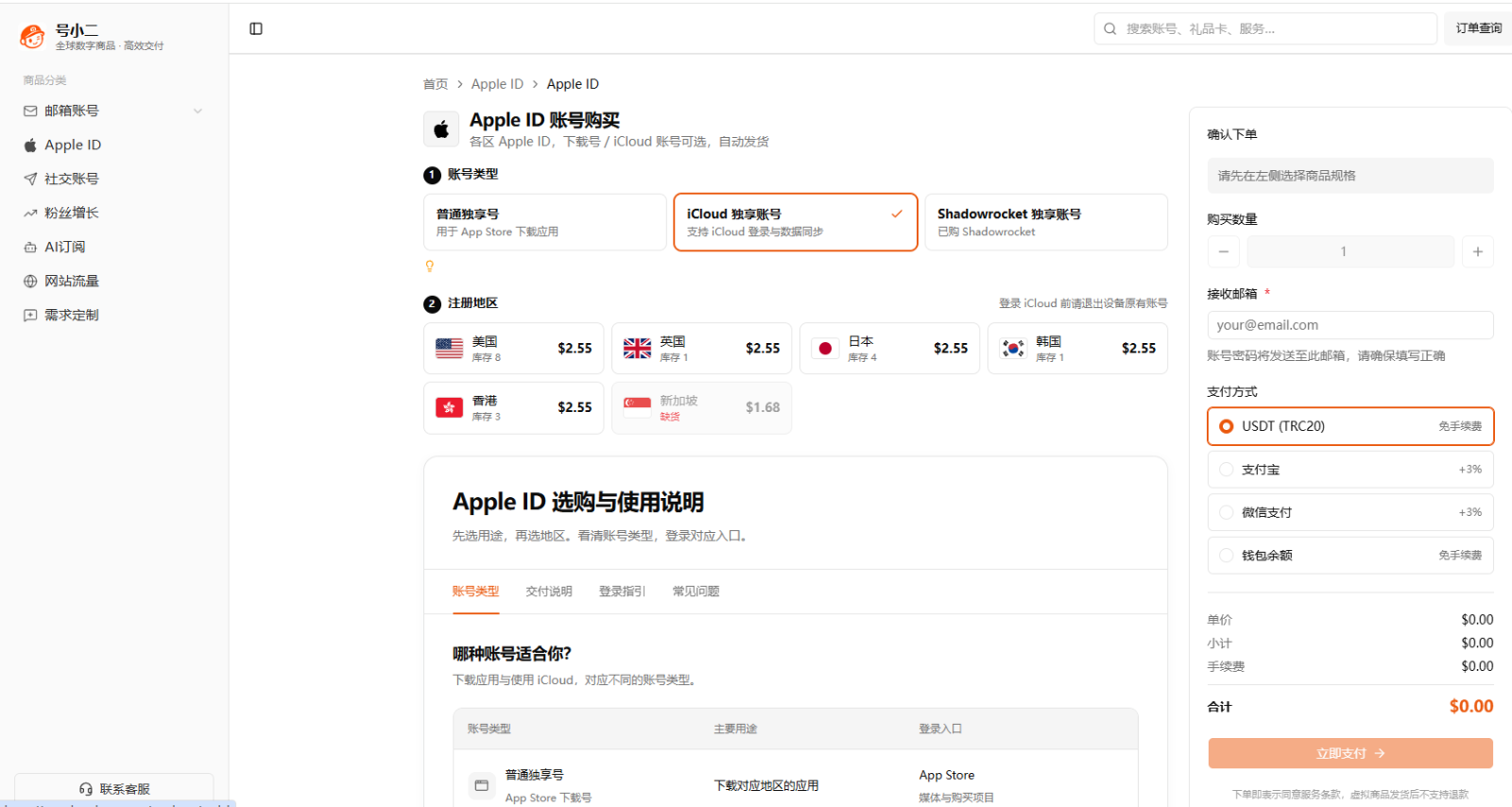
For customers who need a ready-made Apple ID, HaoXiaoer offers accounts for different regions and purposes, including private App Store download accounts, private iCloud accounts, and accounts with Shadowrocket already purchased. Choose the account type for your intended use, then select the region. This guide explains the differences and what to check before choosing a provider.
1. Apple ID account types: which do you need?
Decide what you want to do before comparing regions and prices. A purchase can disappoint simply because the account was designed for a different purpose. HaoXiaoer lists three main types: private download accounts, private iCloud accounts, and accounts with Shadowrocket purchased. Read each type’s description separately.
Private download accounts: for App Store downloads
A private download account is primarily for signing in to the App Store and downloading apps. App availability, content, and services vary between storefronts. An app may be available only in the US, while a game or tool may require the Japanese or South Korean store. Choose the storefront where your target app is listed.
HaoXiaoer offers download accounts for the US, Japan, the UK, South Korea, Hong Kong, and other regions. If you only need a particular app and do not need cloud syncing or device backups, there is no reason to buy an iCloud specification you will not use.
Use the correct sign-in location. On an iPhone or iPad, sign in for Media & Purchases while keeping your existing iCloud account on the device. This lets you access another storefront without replacing your main device account.
Private iCloud accounts: for cloud services
If you need iCloud access, file syncing, or other cloud services as well as downloads, review the private iCloud category. iCloud is a service within an Apple Account for photos, files, contacts, and device backups. These uses make account control and recovery information particularly important.
HaoXiaoer lists private iCloud accounts separately, with their own specifications and delivery notes. Avoid using a third-party account for important personal data unless you fully control its password, recovery methods, and security verification. Otherwise, you may lose access to both the account and your data. For long-term storage of personal photos, files, and device backups, creating and managing your own account directly with Apple is the better option.
Accounts with Shadowrocket purchased: for a specific app
Alongside download accounts and iCloud accounts, HaoXiaoer offers accounts with Shadowrocket already purchased. These are for customers who need that particular paid app rather than general access to a different storefront. The app is available through the purchase history on the supplied account. Its purchase remains associated with that Apple Account; it does not transfer to your own account. Check the product notes and Apple’s rules for redownloading, updates, and any other conditions.
This category has its own product description, so you can distinguish it from an ordinary download account before ordering.
The main differences are:
| Account type | Main purpose | What to check |
|---|---|---|
| Private download account | App Store downloads | The app’s storefront region |
| Private iCloud account | iCloud services | Account control and security information |
| Account with Shadowrocket purchased | Downloading the purchased Shadowrocket app | Purchase history and usage terms |
The Apple ID catalog separates these categories so you can match the product to your intended use.
2. Where can you get an Apple ID?
Once you know the account type, consider the source. Common options are creating an account directly with Apple, using a digital goods platform, or dealing with an individual seller. The lowest price alone does not tell you which option is suitable.
Create an account directly with Apple
For an account you create and manage yourself over the long term, register directly with Apple. You can use an iPhone, iPad, or Apple’s account website, enter your information, choose the country or region, and complete the required verification.
This gives you control of the email address, password, and security information from the start. It is particularly appropriate for iCloud, private data, and managing your own devices. You still need to complete the registration steps and check the payment requirements and service restrictions for any regional storefront you intend to use.
Apple’s account website: https://account.apple.com/
Digital goods platforms: HaoXiaoer
If you specifically need a ready-made account, HaoXiaoer organizes Apple IDs by purpose as well as region. Private download accounts, private iCloud accounts, and accounts with Shadowrocket purchased are separate categories. For example, choose a US download account for an app listed in the US store, a Japanese account for the Japanese store, or the Shadowrocket category when that purchased app is your priority.
Product pages show prices, stock, and delivery details so you can review the specification without waiting for a private quote.
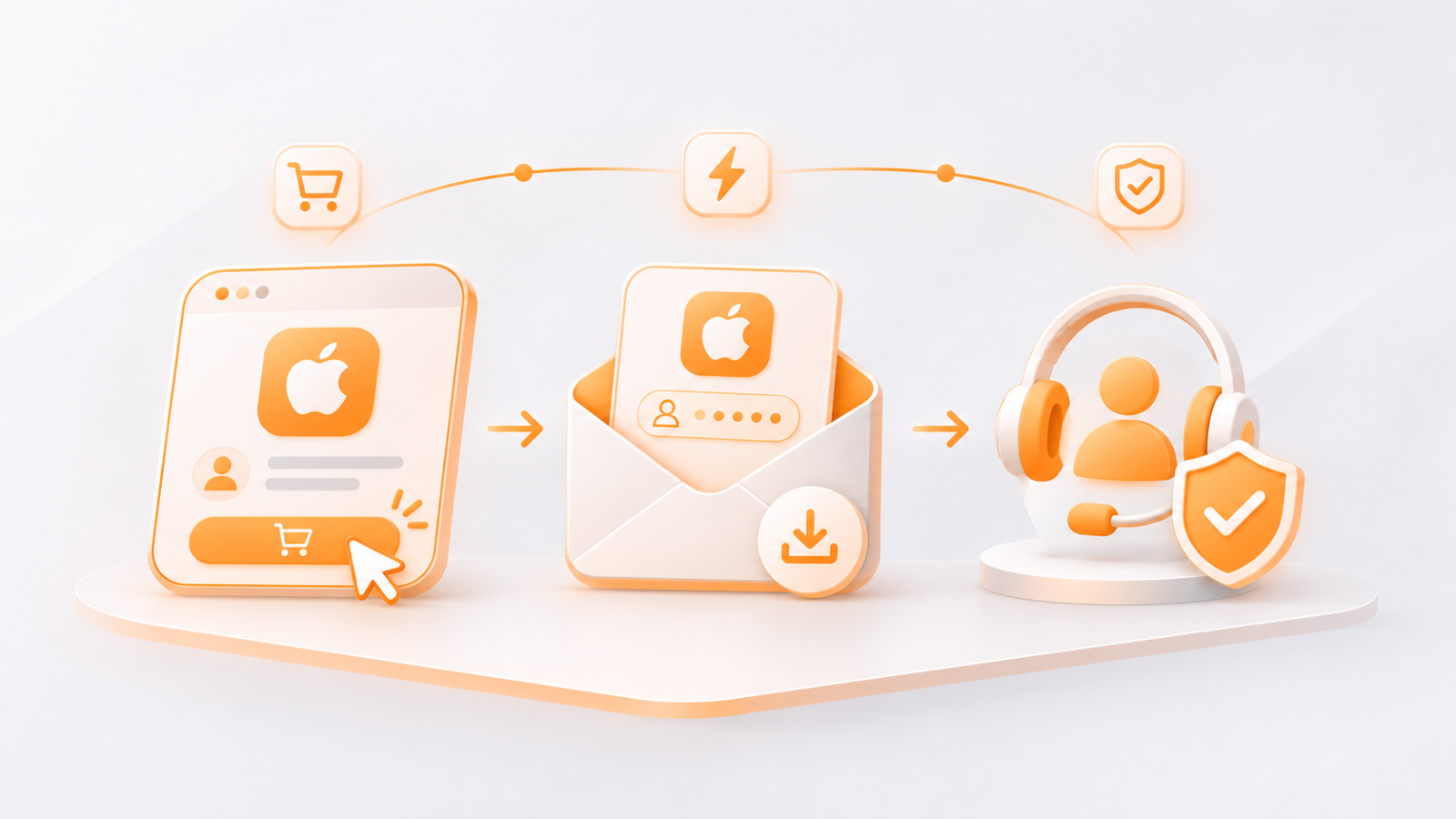
Select a product and follow the self-service checkout. After payment, account details can be viewed or downloaded from the order. Eligible products use automatic delivery.
HaoXiaoer also offers first-login support. If the first sign-in fails, keep a complete screen recording and submit a ticket through the relevant order. Cases that meet the product’s support terms may qualify for a replacement.
A third-party digital goods platform is not Apple’s official account sales channel. First-login support does not mean Apple has certified an account or guaranteed permanent access. Review the specification, included credentials, and support conditions before buying.
For customers who have already decided they need a ready-made account, these separate categories, visible product details, order delivery, and support channels make the purchase easier to follow.
Individual sellers and other channels
Individual sellers also advertise on social media, forums, and chat groups. Region, price, delivery, and support may all be negotiated privately. Some offer uncommon specifications, but standards vary: a seller may provide only a username and password without recovery information, or fail to explain whether an account is suitable for the App Store.
Before paying an individual seller, get the source, included information, and remedies for problems in writing. Keep the conversation and payment records. A platform with dedicated product pages, an order system, and a clear support channel can reduce the uncertainty of arranging everything privately.
3. How to compare Apple ID providers
A large catalog does not automatically mean a good buying experience. Check these four areas:
Clear account categories
A generic “overseas Apple ID” listing leaves you asking which region it belongs to and whether iCloud is supported. Separate categories for download, iCloud, and purchased-app accounts, each with its own description, help you identify the right product before ordering.
The regions you need
The account’s storefront region affects which apps are available. Besides the US, Hong Kong, and Japan, you may need the UK or South Korea. A broader regional catalog can make those searches easier. Even with the right region, check the app’s iOS version requirements and any device restrictions set by the developer.
Transparent prices, stock, and delivery details
A product page should state the price, available stock, and information supplied with the order. Compare those details and usage restrictions together. A small price difference may reflect a different specification or different verification information.
Delivery and support after payment
Self-service ordering and automatic delivery are useful when you need an app outside a seller’s working hours. Support matters just as much. Check how first-login problems are handled, what evidence is required, and where to submit a ticket. HaoXiaoer provides order lookup, support channels, and replacement handling for eligible first-login failures with a complete recording.
4. What else should you check before buying?
Whatever provider you choose, follow the product’s intended use and understand its security limits:
Sign in in the right place: If you bought an App Store download account, use it for downloads. Do not replace your main iCloud account in device Settings simply for convenience.
Check the delivered details first: Compare the username, password, and supplied verification information with the product description. If anything is missing or inconsistent, save screenshots and contact support through the order before proceeding.
Protect your personal data: A ready-made account has an existing registration history. Even a product labeled “private” should not hold private photos, contacts, or full device backups until you fully control its security and recovery methods.
Be realistic about continued access: Apple’s terms place restrictions on account transfers and sharing. A third-party account cannot be guaranteed never to face a restriction or verification request. Read the usage rules and be cautious of permanent-warranty claims.
5. Other digital products on HaoXiaoer
HaoXiaoer also lists Gmail accounts, regional gift cards, eSIMs, social media accounts, and AI-related products. Gift cards must match the relevant supported region, while eSIMs are intended for international connectivity.
A shared catalog can be convenient if you use several international services. After browsing Apple IDs, you can check the relevant category for Gmail, gift cards, or other products. Each product has its own specifications and delivery rules, so always read the individual listing.
The purchase decision comes down to three steps: choose the purpose, select the region, then check the support terms. A download account may be enough for an app in another storefront. iCloud use requires closer attention to security and account control. For a particular paid app such as Shadowrocket, check the category that includes the existing purchase.
If long-term ownership and personal data privacy are your priorities, create an account directly with Apple. If you specifically need a ready-made account, HaoXiaoer provides categories by purpose and region, self-service ordering, automatic delivery, and first-login support under the product’s terms. Read the delivery description before choosing, including for any Gmail, gift card, eSIM, or AI-related products you also need.
Apple ID buying FAQs
How should I choose an Apple ID provider?
Compare account categories, regions, visible pricing, delivery, and support terms. Create an account directly with Apple for long-term personal use. If you need a ready-made account, a digital goods platform such as HaoXiaoer lets you compare region and purpose, order online, and access the stated first-login support.
How is buying an account different from creating one myself?
When you create an Apple Account, you set and manage its password, recovery information, and verification methods from the start. That is better suited to long-term personal use and private data. Buying a ready-made account saves some preparation, but account control and terms-of-service risks remain. Do not treat it as equivalent to an account you created yourself.
Which Apple ID regions does HaoXiaoer offer?
The catalog includes the US, UK, Japan, South Korea, Hong Kong, and other regions. Choose the storefront where your target app is listed. Current stock and prices are shown on the website.