Buying a Telegram Account: Comparing Your Options
Check Telegram account types, delivered sign-in details, provider terms, and first-login support before purchasing.

For those doing foreign trade or running overseas communities, Telegram is basically unavoidable. At first, I also found it troublesome and thought I'd just register one myself, but it took me almost a week to get it done. First, domestic phone numbers simply couldn't receive verification codes. After finally finding an overseas SMS receiving platform to register, it got restricted after just a couple of days due to abnormal environment, and the few customer groups I had just added were all gone—really a waste of time.
Later, I heard from peers that you can directly buy ready-made TG accounts. At first, I was unsure, afraid of encountering stolen black accounts that would get banned after a couple of days. I tried two small channels before and after, and indeed fell into pitfalls. Until a friend in the circle recommended HaoXiaoer, I've been using it for almost a year now, and have replenished accounts several times in between, always quite stable. Today, based on my own practical experience, I'll talk about how to choose TG accounts, where to buy them, how to log in and nurture the account after purchase, and which pitfalls must be avoided.
I. How to Choose TG Accounts on the Market?
Before buying an account, don't just look at the price or blindly trust sellers' claims of "high-weight old accounts" or "never banned." Common direct-login accounts, old accounts, Premium member accounts, Session accounts, etc., are actually just names sellers made up for easy categorization, not official Telegramaccount tier divisions.
I've organized the differences between these common specifications, so you can match them to your actual business scenarios:
| Account Type | Core Features and Applicable Scenarios | Pitfall Reminder |
|---|---|---|
| TG Ordinary Direct-Login Account | Provides phone number and corresponding login verification method, suitable for daily chat, joining channels, or simple testing. | Need to confirm how to receive secondary codes when changing devices later. |
| Telegram Brand New Account | Recently registered, no historical usage records, most affordable price. | Suitable for temporary use, creating small groups, or connecting with a few customers, cost-effective, but need to pay attention to everyday account use initially. |
| Telegram Nurtured Old Account | Registered earlier, has passed the strictest novice security checks period, less likely to be restricted when joining groups and sending messages. | Suitable for long-term operation and connecting with important customers. But long registration time doesn't mean absolutely zero risk; specific historical status still needs verification. |
| TG Premium Member Account | Comes with official membership benefits, higher limits for sending messages and creating groups, more prominent badge. | Be sure to check the remaining validity period of the membership before ordering. |
| Session Account | Log in directly via session file or data, no need for regular code receiving process. | Higher security and control risk, no phone number management authority, not recommended for core customer accumulation. |
Core principle for choosing accounts: If you just need to read news and communicate daily, a basic new account or ordinary direct-login account is completely sufficient; no need to spend extra money. But if you're doing core business and need long-term customer accumulation, be sure to prioritize accounts where you can fully control the phone number, two-step verification password, and recovery methods. Also, if your team needs bulk purchases, the larger the quantity, the more cost-effective the unit price usually is.
II. Where to Buy Telegram Accounts?
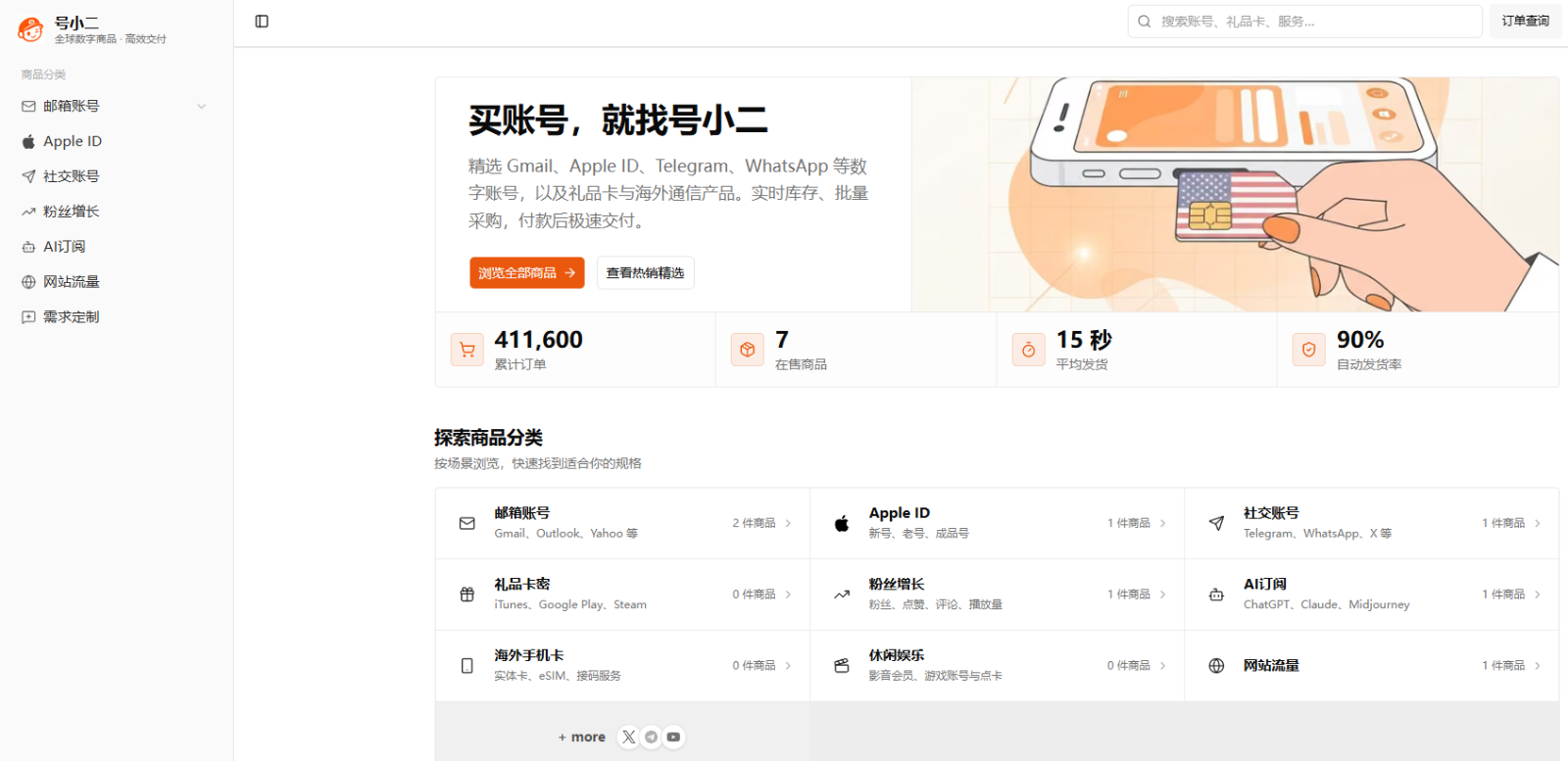
After comparing several channels, I finally settled on HaoXiaoer. It's not a small middleman reselling accounts in groups, but an online mall specializing in overseas digital accounts and digital goods. Besides Telegram, you can also find Gmail, Apple ID, WhatsApp, Instagram, X (Twitter), and various AI tool subscriptions there. It has been in the cross-border circle for quite a while, with cumulative orders well over 100,000, making it a relatively stable vertical platform, so you don't have to worry about it running away anytime.
From my experience, it has streamlined the most painful aspects of buying accounts:
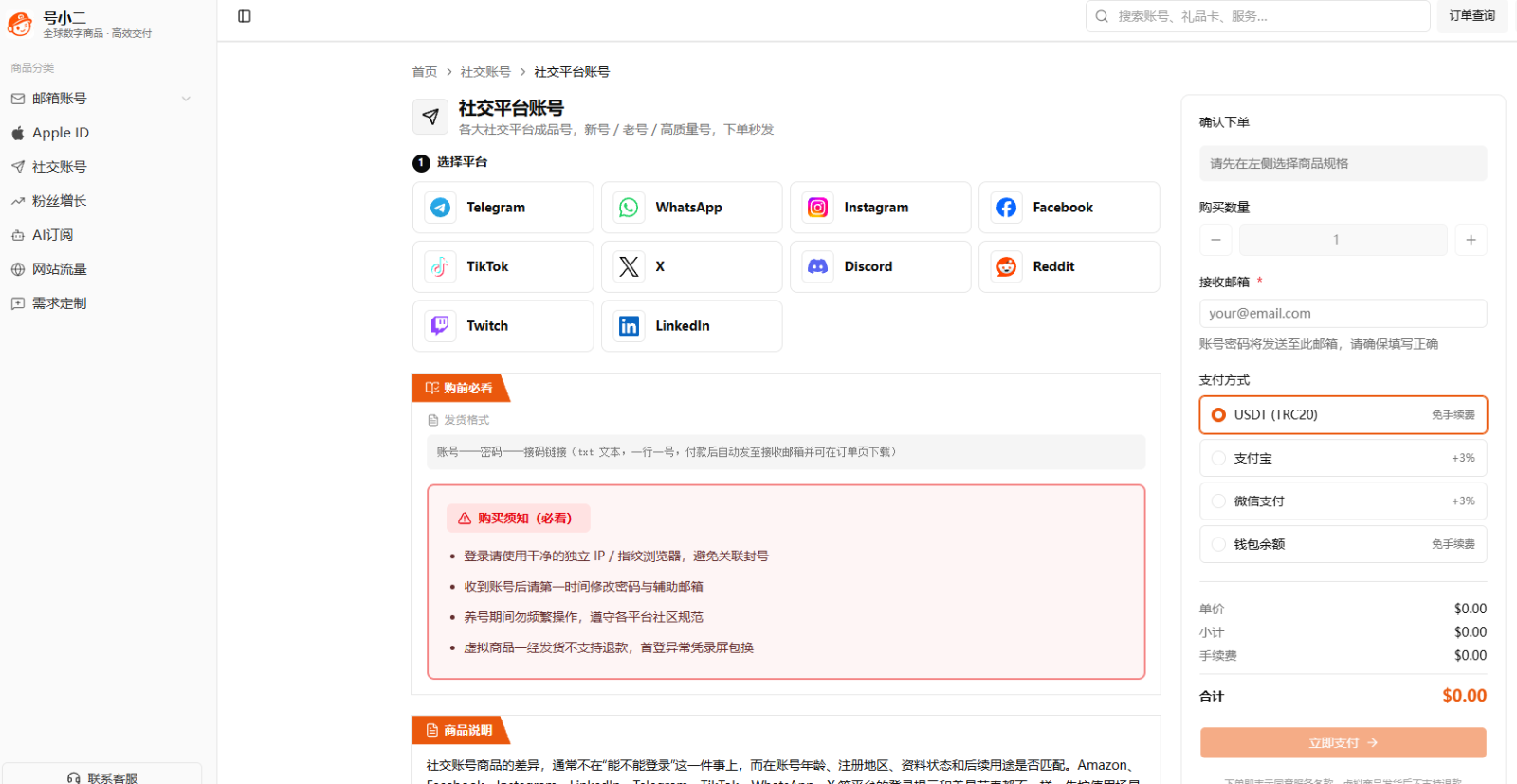
Self-service shopping in the mall, transparent specifications: Previously, when looking for individual sellers in communities, I had to repeatedly inquire about prices and specifications one by one. On HaoXiaoer, you can directly go to the social account category and see all TG products. Account specifications, stock quantity, payment methods, delivery email, and delivery instructions are all written on the page. You can verify everything before payment, so you won't discover the goods don't match after receiving them.
Clean account foundation, complete information provided: Their accounts are independently registered, each corresponding to independent information, not stolen black accounts, nor batch-generated sequential accounts. I first took five to try, used them for almost three months. Except for one that triggered verification due to my frequent device switching, the other four have been fine. Moreover, they don't just throw you an account and password; registration-related information is sent together. After receiving, you can change the password and rebind yourself, keeping full control, which gives much peace of mind.
Automatic system delivery, supports batch export: Within a dozen seconds after payment, you can directly see all account information in the order. Even if you need to add accounts urgently at midnight to connect with customers, you don't have to wait for customer service to start work. For team bulk purchases, the order backend allows one-click export of all account information, saving the trouble of organizing them one by one.
Built-in Chinese tutorials, guaranteed after-sales: Many account-selling websites only deliver without teaching; beginners don't even know where to receive verification codes. HaoXiaoer's website directly provides a very detailed "Telegram (Airplane) Account Login Guide," so new colleagues can get started by following the illustrated tutorial. If there's a problem within normal usage scope, you can directly contact customer service with the mall order number for feedback. They handle it promptly, unlike private transactions where "chat history is deleted and the seller plays dead."
III. How to Log In Correctly After Buying an Account?
After placing an order on HaoXiaoer, the specific login method depends on the specification you bought. Taking the most common "phone number + API code receiving link" account as an example, just follow these four steps:
Verify order information: After payment, go to the order details page (or check the email you filled in when ordering), and verify the account phone number, corresponding country code, API code receiving link, and other remarks in the product description.
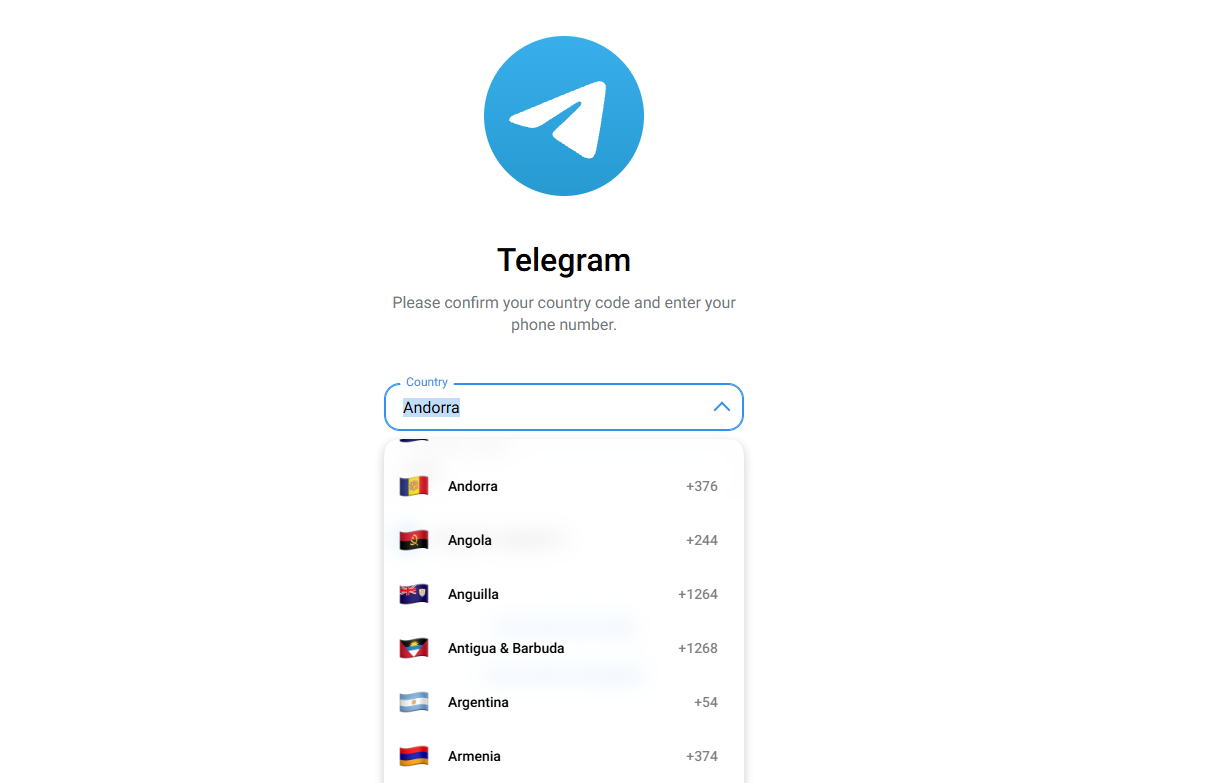
Log in using the official client: Strongly recommend downloading the official Telegram client. Open it and choose to log in with phone number, enter the number provided in the order, be sure to select the correct country code.
Receive and enter verification code: After submitting the number, if the order includes a usable API code receiving link, open the link according to the tutorial on the product page to see the verification code; if the account also has a two-step verification password set, enter the corresponding secondary password immediately. (Note: TG sometimes sends the verification code to an already logged-in old device; the code receiving link cannot guarantee coverage of 100% extreme cases, so read the product description carefully before purchasing.)
Check security and devices: After successfully entering the account, immediately go to settings to verify personal information, check the "Logged-in Devices" list for any unfamiliar devices, and casually check privacy and security settings.
IV. How to Use the TG Account Without Getting Banned and More Stably?
Even if you buy an old account from a legitimate platform, if you operate too wildly, it will still trigger official security checks. These are life-saving tips I've summarized from my own pitfalls:
Don't go wild right after logging in: For new accounts or accounts that just switched to a new device, don't frantically join groups, add friends, or mass message in the first few days. Too abnormal an operation pace will definitely trigger security checks. First hang it normally, casually browse channels, read some news, gradually increase operation volume, and let the system adapt to your new device.
Try to fix the network environment: Don't frequently switch network nodes in different countries/regions, and try not to use free or shared public lines. IP jumping around is most likely to trigger security verification, and severe cases may directly restrict functions.
Keep content within bounds: Don't send violating or spam advertising information in the account. For legitimate foreign trade and community operations, this goes without saying. No matter how stable the old account is, once it's massively reported or the system detects violations, it's equally hopeless.
Regularly back up important data: No matter how stable the account is, develop a habit of regularly backing up core big customers' contact information and important group links to minimize sudden risks.
V. Key Precautions Before and After Purchase
Finally, a few more words on details before and after buying an account to help you minimize risks:
Check delivery content, don't just go for cheap: Accounts with the same price tag may only give temporary login permission, while others give complete security information; the subsequent risks differ vastly. Before ordering, confirm what you can get and whether you can independently complete verification when changing phones in the future.
Clarify control over the phone number: TG accounts are strongly bound to phone numbers. According to official rules, only numbers bound to ones you can control long-term are safest. When buying ready-made accounts, don't equate "successfully received the verification code this time" with "can always control this number in the future." If the underlying number is still in a third party's hands, even if you change the two-step verification, there's still a certain risk of recovery or loss. So if it's a main account you plan to use for years, registering with your own physical SIM card and holding the number long-term is always the safest choice.
Check after-sales rules in advance: Spend half a minute reading the after-sales instructions on the product page before buying, such as what screenshots or screen recordings are needed to prove abnormal first login. Understanding the rules in advance makes communication smoother if problems arise.
Safeguard your account information: Phone number, verification code, password, and Session files are all "keys" to the account. Never send them to strangers casually, and don't use third-party modified clients from unknown sources.
In short, choosing a TG account purchase platform doesn't need to be complicated: First decide whether you need an ordinary account, a specific region account, or a member account, then check the login method and delivery information, and finally compare prices. If you want to save the trouble of finding sellers everywhere and repeated communication, just go to a one-stop mall like HaoXiaoer and order as needed. The process is intuitive, with tutorials and after-sales service, which is already worry-free enough for most people doing international business.
Frequently Asked Questions
1. Why can't I receive verification codes when registering Telegram with a domestic +86 phone number?
In recent years, domestic carriers have become increasingly strict about intercepting overseas SMS. Many times verification codes are directly blocked at the gateway level, which has little to do with phone settings. Although some people online teach repeatedly refreshing voice verification codes with the official client, or trying luck on overseas SMS receiving platforms, the numbers on those platforms are basically "second-hand numbers" registered by many people, and they easily trigger security checks and get banned immediately after login. If you don't want to hassle, directly getting a ready-made independent account from a mature platform like HaoXiaoer is much easier, saving you from wasting time on receiving verification codes.
2. Are purchased Telegram ready-made accounts safe? Will the original owner recover them?
Safety mainly depends on two points: first, the account source; second, the permissions you have after receiving it. If it's a stolen "black account" or a session account with only Session files, the risk is indeed high, and it may go offline or be recovered at any time. Independently registered accounts from legitimate channels will provide you with the phone number, code receiving method, and two-step verification information upon delivery. After receiving, immediately go to settings to change the two-step verification password and kick out all unfamiliar old devices from the logged-in device list. As long as you hold the security verification in your own hands, you basically don't need to worry about being recovered when using it for normal business.
3. Can purchased TG accounts be rebound to my own phone number?
Yes, they can be rebound. If you have a reliable overseas physical SIM card (such as a Hong Kong, US, or UK number-preserving card), after buying a ready-made account, you can directly rebind it to your own card in Telegram's "Settings - Change Number." But note that before rebinding, it's best to go to "Privacy and Security" and set phone number visibility to "Nobody," otherwise friends in your contacts will receive a notification that you changed your number. Also, for a newly bought account, it's recommended to hang it normally on a fixed device for three to five days first, and wait until the environment is stable before rebinding, to avoid triggering security interception.