Where to Buy Digital Accounts? How to Choose Channels for Overseas Accounts, Emails, and Social Media Accounts
Compare overseas account platforms: Gmail, Apple ID, Telegram & more. Discover buying channels, avoid scams & choose the right site like Haoxiaoer.
Buying a Gmail, Apple ID, or Telegram account might not seem complicated at first glance. But once you actually start looking, you'll often find the channels are far messier than you imagined. Search engines return all kinds of websites, forums and communities have people selling them, and plenty of individual sellers are available to contact directly. The problem is, even when they all say "Gmail account" or "overseas account," what different channels sell can be completely different things. Some list the registration region, account type, and delivery contents; others just show a price. Some platforms let you get the account right after payment; others require waiting for manual customer service processing.
What digital account purchase really requires you to compare isn't just price. If you're only buying an account occasionally, any channel might do. But if you frequently need overseas emails, social media accounts, Apple IDs, overseas phone numbers, or other digital goods, the platform's product information, inventory, delivery method, and after-sales handling become far more important.
1. What Are the Channels for Buying Digital Accounts?
Buying overseas accounts today can roughly be divided into individual sellers, forums and communities, and digital account marketplaces. None is absolutely better or worse—the main difference lies in the transaction method.
1. Individual Sellers
In the early days, many people bought Gmail, Facebook, Telegram, and other accounts directly from individual sellers. This approach is flexible, and if you need some particularly unusual account specifications, it can sometimes be easier to find them.
But the problems are obvious too: price, inventory, and account specifications usually require separate inquiries, and availability depends on the seller's situation at the time. If you run into a slow-responding seller, it might take several rounds of communication from asking for a quote to actually receiving the account. For someone buying just once, it's not a big deal. But if you purchase regularly, the time cost is actually quite high.
2. Forums, Communities, and Chat Groups
Digital account resources can also often be found in forums, Telegram groups, Discord communities, and various industry chat groups. The biggest feature is the large number of sellers and choices. But many sellers also means you need to screen them yourself.
For the same Gmail account, different sellers may offer different registration regions, account ages, auxiliary information, and delivery contents. Although the prices may look similar, the accounts you actually receive can't simply be compared side by side. For people familiar with the industry, community channels are quite flexible. If it's your first purchase, judging sellers and account specifications can be a bit more troublesome.
3. Digital Account Marketplaces
There's also the now more common digital account marketplace.
Take Haoxiaoer, a one-stop digital account purchase platform. It's closer to the buying logic of ordinary e-commerce: the website displays product categories, specifications, prices, and inventory directly. Users choose products based on their needs, and after ordering, delivery is completed according to the platform's process. This approach is well-suited for people who don't want to repeatedly ask for quotes.
Especially when you need different digital goods like Gmail, Apple ID, Telegram, WhatsApp, overseas phone numbers, or gift cards at the same time, searching within one marketplace is much more convenient.
To compare the differences between channels more intuitively, we can look at several key dimensions:
| Channel Type | Communication Cost | Inventory Transparency | Delivery Speed | Use Cases |
| Individual Sellers | High (requires repeated communication) | Low (requires separate inquiry) | Slower (depends on manual work) | Finding very niche/custom-spec accounts |
| Communities & Forums | Medium (requires self-screening) | Uncertain (scattered information) | Uncertain | Experienced industry players seeking multiple sources |
| Digital Account Marketplaces | Low (no communication needed) | High (real-time inventory display) | Fast (mostly support auto-delivery) | Efficiency-focused, regular bulk or multi-category purchasing |
2. Things to Watch Out for When Buying Digital Accounts
When many people first search for "account purchase platform," the most common mistake is comparing prices directly. For example, two websites both sell Gmail, one is a few bucks cheaper, so you naturally assume the cheaper one is more cost-effective.
Not necessarily. Because digital accounts aren't like ordinary physical goods—under the same product name, specifications can vary greatly.
1. First, Check What the Account Specification Actually Is
After seeing a product name like "Gmail account" or "Telegram account," it's best to keep reading the product details. For example, what's the registration region, is it a new or aged account, what login information is delivered, are there any other usage conditions—these all affect actual use.
If the page only has a product name and price without further explanation, it's best to confirm clearly before purchasing.
2. Check Whether Inventory Is Clear
One of the biggest characteristics of digital goods is that inventory can change quickly. Some accounts are in stock today and may be gone in a few days.
If a platform requires you to contact customer service to ask about inventory before every purchase, it's actually not much different from finding an individual seller. Being able to directly see real-time product status and inventory makes the buying process much easier.
3. Check the Delivery Method
Some platforms use manual delivery, while others already support automatic delivery. Both can complete the transaction, but the experience difference is quite noticeable.
Especially at night, on weekends, or when you urgently need an account, if the product is already in stock but you still have to wait for customer service to come online and deliver manually, it wastes time. This is why digital goods are well-suited for automatic delivery.
4. Check the After-Sales Entry Point and Network Environment Tips
Accounts are digital goods, so it's best to check them immediately after purchase. If you find the delivered information is incomplete or the account status doesn't match the product description, at least you should know where to submit the issue and what order information to provide. If even the order record or after-sales entry point is hard to find, subsequent handling will be more troublesome.
Additionally, remote login risk control is also the most common problem in digital account usage. Professional platforms usually include operating suggestions for the login environment (such as clean IPs, specified browser configurations, etc.) on the detail page, which is far more important than just looking at the price.
3. Why Are More and More People Choosing Digital Account Marketplaces?
I personally prefer the marketplace format, mainly not because it's necessarily cheaper than other channels, but because the buying logic is simpler. Need something? Just search for the product. If the product page meets your needs, check the price and inventory; if not, switch to another specification. No need to add a contact first, then ask, "Do you still have Gmail?" After they reply yes, continue asking, "What region?" "How do you deliver?" "Any other specifications?"
If you buy occasionally, you might not feel it. But after many times, these repetitive communications actually waste a lot of time. Digital account marketplaces put the information that originally required chat confirmation onto the product page, so the buying process is naturally much shorter.
However, a marketplace isn't just about being able to place an order. What's truly worth checking is whether the product description is clear enough, whether the inventory is real, whether the delivery method is convenient, and whether there's a normal order and after-sales process when problems arise.

4. Recommended Digital Account Purchase Platforms
If you don't want to add WeChat and ask sellers for prices one by one every time, going directly through a standardized one-stop digital account marketplace like Haoxiaoer will save you a lot of trouble. Haoxiaoer is one of the few overseas account marketplaces that has thoroughly implemented "one-stop procurement" and "automated processes." Compared to traditional individual transactions or finding card sellers in forums, it has several very obvious advantages:
Full category coverage, no need to piece together orders everywhere
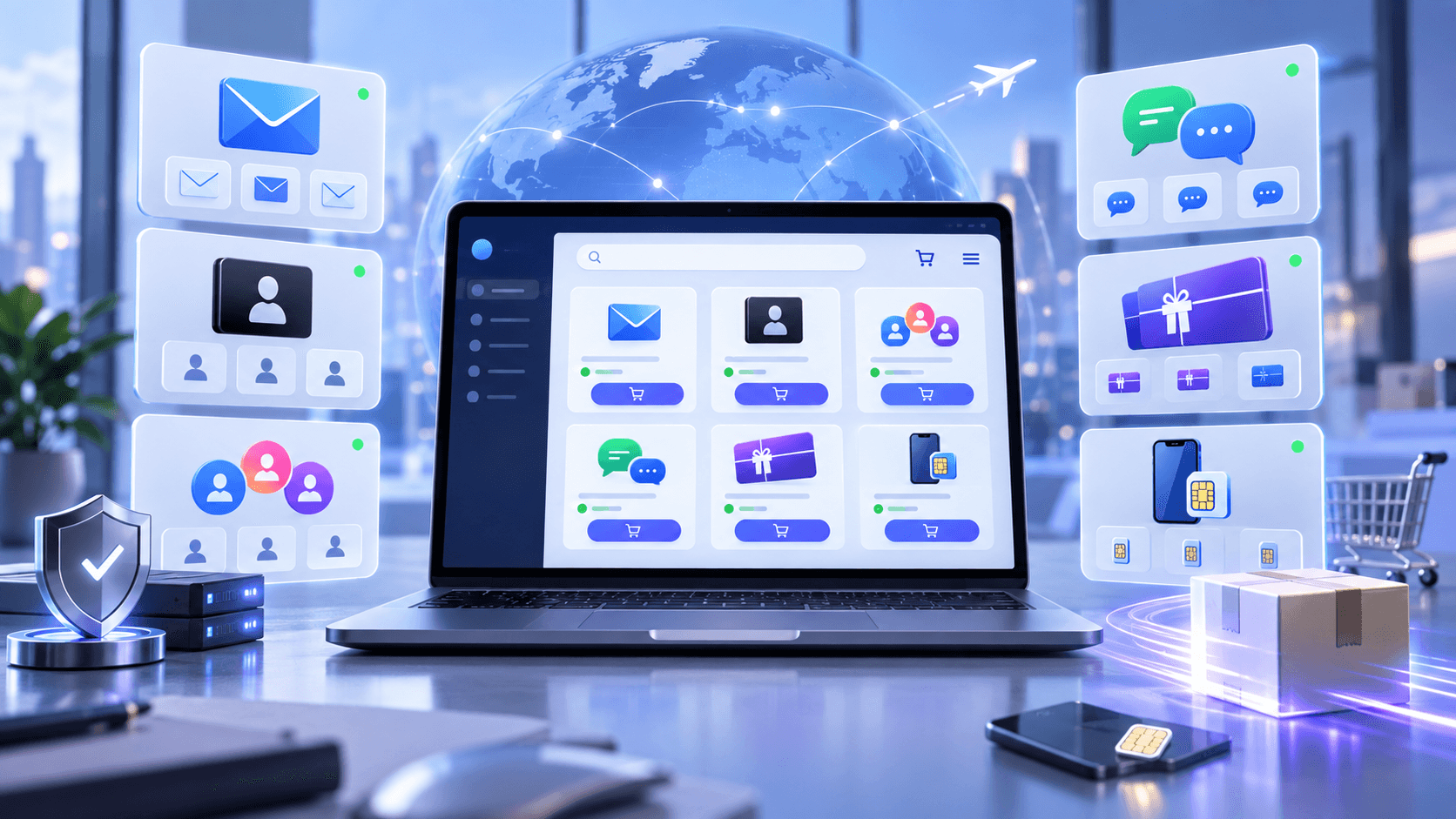
Many people doing overseas business or social media operations often need overseas emails like Gmail and Outlook, as well as social accounts like Apple ID, Telegram, WhatsApp, and X (Twitter), and even overseas eSIM phone cards or gift cards. On Haoxiaoer, you can select all these products at once, without having to scatter purchases across different sellers.
Highly transparent information, no "price based on who you are"
When finding sellers in private domains or communities, the worst is encountering price discrimination or vague information. Haoxiaoer's product information is very clearly labeled—registration region, account type (such as new account, aged account, account with auxiliary email), and delivery contents are clear at a glance. You can even directly see real-time inventory and clear prices, so you know exactly how many you want and whether they're in stock.
Instant delivery after payment, no anxiety when you need it urgently
It uses an e-commerce-style automatic delivery mechanism. After ordering and paying, the system automatically completes delivery—no need to wait foolishly for customer service to come online. Especially at night, on weekends, or when you urgently need to replenish accounts, this automatic delivery experience is excellent.
Supporting after-sales and operation guides, fewer pitfalls for beginners
The biggest fear with digital accounts is not knowing how to use them after purchase or getting risk-controlled right after logging in. Haoxiaoer usually provides fairly detailed login guides and environment configuration suggestions (such as IP selection, first-login precautions, etc.) in the product details, and the order system has a clear after-sales communication entry point. If there's an issue with the account you receive, handling it is far more reliable than with individual sellers.
For people who frequently purchase overseas digital goods, this "ready-to-use, clearly specified" marketplace model can save a lot of communication and trial-and-error costs.
5. Different Types of Accounts Require Different Focus When Buying
Although they're all called "digital accounts," Gmail, Apple ID, Telegram, and overseas phone numbers actually can't be chosen by the same standards. You can first judge based on your purpose:
| Account or Product Type | What to Focus on When Buying |
| Gmail / Overseas Email | Registration region, account type, delivery information, login requirements (such as whether there's an auxiliary email or first-login verification) |
| Apple ID | Account region (US/Japan/Hong Kong, etc.), account status, applicable services (such as App Store exclusive apps) |
| Telegram | Registration region, account status, associated number situation, Session file delivery method |
| Number region, login conditions (verification code mechanism), account status | |
| Overseas Phone Number / eSIM | Country/region, number type (physical card/virtual number), physical card or eSIM, usage period and renewal rules |
| Gift Cards | Country/region, denomination, redeemable platforms, and card code auto-delivery speed |
| Bulk Accounts | Actual inventory, specification consistency, delivery efficiency, and after-sales replacement ratio |
If you just need a Gmail to send and receive emails, then the focus should be on the email itself. If you're buying an account for long-term use, you should understand the login and security settings in advance.
Apple ID requires even more attention to region. Apple IDs from the US, Japan, and other regions may correspond to different App Store content and services, so you can't just buy one upon seeing the words "Apple ID."
Accounts like Telegram and WhatsApp, which are closely tied to phone numbers, should also have their number region and actual login conditions understood in advance. Different needs naturally lead to different choices.
6. Common Pitfalls When Buying Accounts
Only Looking at the "Lowest Price"
Low prices aren't a problem per se, but only if the specifications are the same. If one is an ordinary new account and another is a specific-region or different-type account, comparing prices directly is meaningless.
Ordering After Just Reading the Product Title
Much of the truly important information for digital account products is on the detail page. If registration region, account type, and delivery method aren't confirmed clearly, handling a wrong purchase afterward is more troublesome.
Not Checking After Receiving the Account
Digital goods aren't like buying clothes. After the account is delivered, it's best to promptly confirm whether the login information, account status, and contents agreed on the product page are normal. The earlier you handle anomalies, the better.
Ignoring Login Environment and Risk Control Protection
Many accounts die from the "first login" after you get them. If you don't read the seller's environment setup suggestions and directly log in with your native remote IP, it's very easy to trigger the platform's security risk control.
Looking for Sellers Everywhere for One Account
If you only buy once a year, it doesn't matter. But if you're doing cross-border business, overseas social media operations, or frequently need emails, social accounts, and overseas digital goods from different regions, finding a new seller each time will make communication costs higher and higher. In this case, consistently using a digital account marketplace with relatively complete information is usually easier.
Buying overseas digital accounts is all about less hassle and not being greedy for small bargains. If it's your first purchase, it's recommended to start with a small test rather than going all-in with a large batch right away. When you receive the account, don't rush to modify information or send messages aggressively. First set up the login environment (such as a clean IP and isolated browser), log in smoothly according to the platform's guidance, and after confirming everything is fine, gradually use it normally. This way, you can avoid the vast majority of so-called "risk-control dead accounts."
Moreover, choosing a channel is also about efficiency. Buying one or two occasionally for fun—individual sellers or community forums are fine. But if you're doing cross-border business, social media operations, or need long-term stable account usage, going directly to a marketplace platform like Haoxiaoer with transparent specifications and automatic delivery can save you a lot of meaningless communication time over a year. Putting your energy into your own business is far more worthwhile than asking customer service "Do you have stock today?" every day.
Related Q&A
Q1: What should I pay attention to when logging in for the first time after purchasing an overseas account?
A: The biggest taboo after receiving an account is logging in directly with your everyday browser or local network. It's recommended to first prepare a clean, independent IP corresponding to the account's region, use your browser's incognito mode, or a dedicated fingerprint browser (such as AdsPower, Hubstudio) to open the login page. After a successful login, browse normally for a few minutes first. Don't immediately change the password, rebind the phone, or add friends/send messages in bulk. Wait until the account has "stabilized" on your local device for 1-2 days before doing further operations.
Q2: What should I do if a purchased Gmail account shows "phone number verification required" when logging in?
A: This is usually because the login environment (IP address or device characteristics) differs significantly from the account's previous login habits, triggering Google's security mechanism. It doesn't necessarily mean the account is damaged. If the delivered product information includes an "auxiliary email," prioritize choosing "send verification code to auxiliary email." If you must receive a code, try to find a code-receiving service consistent with the account's registration region for auxiliary verification. If the frequency is too high and it keeps failing, it's recommended to contact platform customer service for troubleshooting assistance.
Q3: When buying a Telegram account, what does "Session/Tdata" in the delivery format mean?
A: Session or Tdata is the desktop login cache file for a Telegram account. Many bulk-generated Telegram accounts don't provide phone code login; instead, they give you a compressed package. You just need to place the Tdata folder in the Telegram desktop software directory, and you can log in directly without a verification code. This format is suitable for bulk management and anti-ban, but it's better for users with some computer operation knowledge.
Q4: Do purchased overseas email accounts (like Gmail/Outlook) need to be rebound to my own phone number later?
A: If you plan to use it as a primary account long-term, after the account has been stable for 3-5 days, it's recommended to gradually modify security settings: add your own backup email (auxiliary email) and enable two-factor authentication (2FA, such as binding Google Authenticator). As for whether to bind a domestic phone number, it depends on platform policies. Currently, Google sometimes reports "This number cannot be used for verification" when binding domestic phone numbers. In this case, prioritizing binding a secure email and saving backup codes is more reliable.
Q5: What is an "aged account/durable account"? Why is it more expensive than a newly registered account?
A: An aged account (also called a weighted account or nurtured account) refers to an account registered a long time ago (usually half a year or even years ago) that has real login or usage history during that period. For platforms (like Google, Meta, X), aged accounts have higher trust and are less likely to be flagged as bulk-registered spam accounts by the system. Therefore, they are far superior to newly registered accounts in terms of risk control resistance and usage limits.
Q6: What's the difference between buying an overseas phone number/eSIM and buying a social account with direct code login?
A: When you directly buy an account with code login, you get a ready-made account registered by someone else. When you buy an overseas physical card or eSIM, you get a real overseas phone number. The advantage of the latter is that you can register accounts on major platforms yourself, and you have full control over receiving secondary verification codes and changing passwords later. It offers the highest security and is very suitable for binding important assets or long-term operation of main accounts.