Can't Receive WhatsApp Verification Code? 2026 Latest 6 Troubleshooting & Solutions Guide
Struggling to receive your WhatsApp verification code? This ultimate 2026 troubleshooting guide covers 6 proven fixes—from carrier blocks and network proxies to instant eSIMs and ready-to-use accounts.
When doing foreign trade, cross-border e-commerce, or communicating with overseas friends, WhatsApp is almost an indispensable social tool. However, many domestic users often get stuck at the most critical step when re-logging in or registering for WhatsApp: the SMS verification code just won't arrive, and sometimes they even get a prompt saying "Please try again in 1 hour." Where exactly does this problem come from? And how can it be solved? This article sorts out the core reasons why WhatsApp verification codes aren't received and provides practical and effective troubleshooting solutions.

Why Can't WhatsApp Receive Verification Codes?
Before looking for solutions, we can quickly check common causes using the table below:
| Cause | Common Symptoms / Signs | Troubleshooting Direction |
| Carrier SMS interception | Shows as sent, but no SMS notification on the phone | International SMS interception switch, spam SMS filter settings |
| Unstable network node (IP) | Page loads slowly, shows network connection timeout | Proxy node quality, whether global mode is enabled |
| App permissions or outdated version | Shows "Cannot read SMS" or app crashes | Phone SMS/phone permissions, whether it's the latest official version |
| Frequent clicks triggering risk control | Shows "Please try again in 1 hour" cooldown prompt | Locked due to frequent attempts, need to pause and wait |
| Phone number segment restrictions | Cannot receive code on any network, directly shows invalid number | Number has been flagged by the system or completely blocked by carrier |
6 Solutions for WhatsApp Not Receiving Verification Codes
Based on the above causes, it's recommended to try the following steps in order from simple to complex:
1. Disable Interception and Enable Permissions
Check SMS interception: Go to phone settings, check "Spam SMS interception" or "Harassment interception" features, and temporarily disable interception of messages from overseas or unknown numbers.
Enable international receiving: Some carriers require manually enabling the "Receive international and Hong Kong/Macau/Taiwan SMS" feature (usually can be activated through the carrier's app or by calling customer service).
Grant app permissions: In phone "Settings - App Management - WhatsApp," make sure "SMS," "Phone," and "Storage" permissions are allowed.
2. Try "Call Me" (Voice Verification)
If SMS still won't arrive, wait for the countdown to end and tap "Call Me" at the bottom of the page. The system will automatically call your phone via an overseas number and play a voice verification code (usually 6 digits).
Tip: Make sure your phone doesn't have international call blocking enabled before answering.
3. Optimize Network Proxy and Language Environment
Fix the node: Use a high-quality network tool, ensure global mode is enabled, and try to keep the node fixed in regions like Hong Kong, Singapore, or the US, avoiding frequent changes mid-process.
Change system language: Some users report that temporarily switching the phone system language to English and disabling location access in WhatsApp permissions can effectively improve the success rate of receiving verification codes.
4. Completely Reinstall and Let the Account Rest
If you've already encountered the "Please try again in 1 hour" prompt, do not keep clicking send repeatedly.
The correct approach is: uninstall the app, download the latest official WhatsApp from Google Play or App Store; then restart your phone, wait 24 hours before attempting verification again.
5. Switch to a More Stable Overseas Phone Number / eSIM
If you're using a regular domestic phone number and still can't receive codes after multiple attempts with the above methods, it's usually because the number is blocked by the carrier or restricted by the system. At this point, switching to an overseas SIM card or eSIM specifically designed for cross-border business is the most thorough solution.
For users who frequently need to register for WhatsApp, Telegram, TikTok, or various overseas AI tools, having a stable and compliant overseas number or virtual service can save a lot of trouble. If you're not sure where to find reliable overseas communication tools or cross-border service resources, you can directly purchase overseas SIM cards on Haoxiaoer. As a comprehensive platform focused on digital goods and cross-border services, Haoxiaoer covers various practical overseas eSIMs, cross-border network services, and digital account resources with transparent information and convenient use, helping cross-border professionals efficiently solve verification code issues caused by number restrictions.
6. Directly Obtain Ready-Made WhatsApp Accounts and Supporting Solutions
If your domestic phone number has been completely restricted, or if repeated attempts have triggered severe risk control making the number unable to register again, continuing to struggle often wastes time and delays business progress. In this case, directly choosing to purchase a ready-made WhatsApp account or dedicated service is the quickest alternative.
For friends who urgently need to use WhatsApp for overseas customer development or communication, you can directly select social accounts in Haoxiaoer's product categories, then click WhatsApp Purchase. Haoxiaoer provides various specifications of WhatsApp accounts, ready-made accounts, and supporting verification service solutions for various cross-border social needs. It not only helps you directly bypass the dead loop of not receiving verification codes on your phone number but also ensures the account is ready to use immediately, solving communication and operation challenges in one step.
Advanced Selection Recommendations
If basic troubleshooting still doesn't resolve the verification code issue, you can choose the most suitable alternative path based on your specific business needs:
| Solution | Applicable Scenarios | Advantages | Recommended |
| Switch to overseas phone number / eSIM | Planning long-term personal use, binding multiple overseas apps | Independent number control, high stability, suitable for long-term account nurturing | Overseas SIM cards |
| Obtain ready-made WhatsApp account | Urgent need for account, domestic card completely blocked, need multi-account operation | Ready to use immediately, saves tedious registration process, bypasses verification code restrictions | Haoxiaoer WhatsApp Service Zone |
Summary and Anti-Ban Tips
After successfully receiving the verification code and logging in, to avoid future account abnormalities or verification code difficulties, it's recommended to do the following:
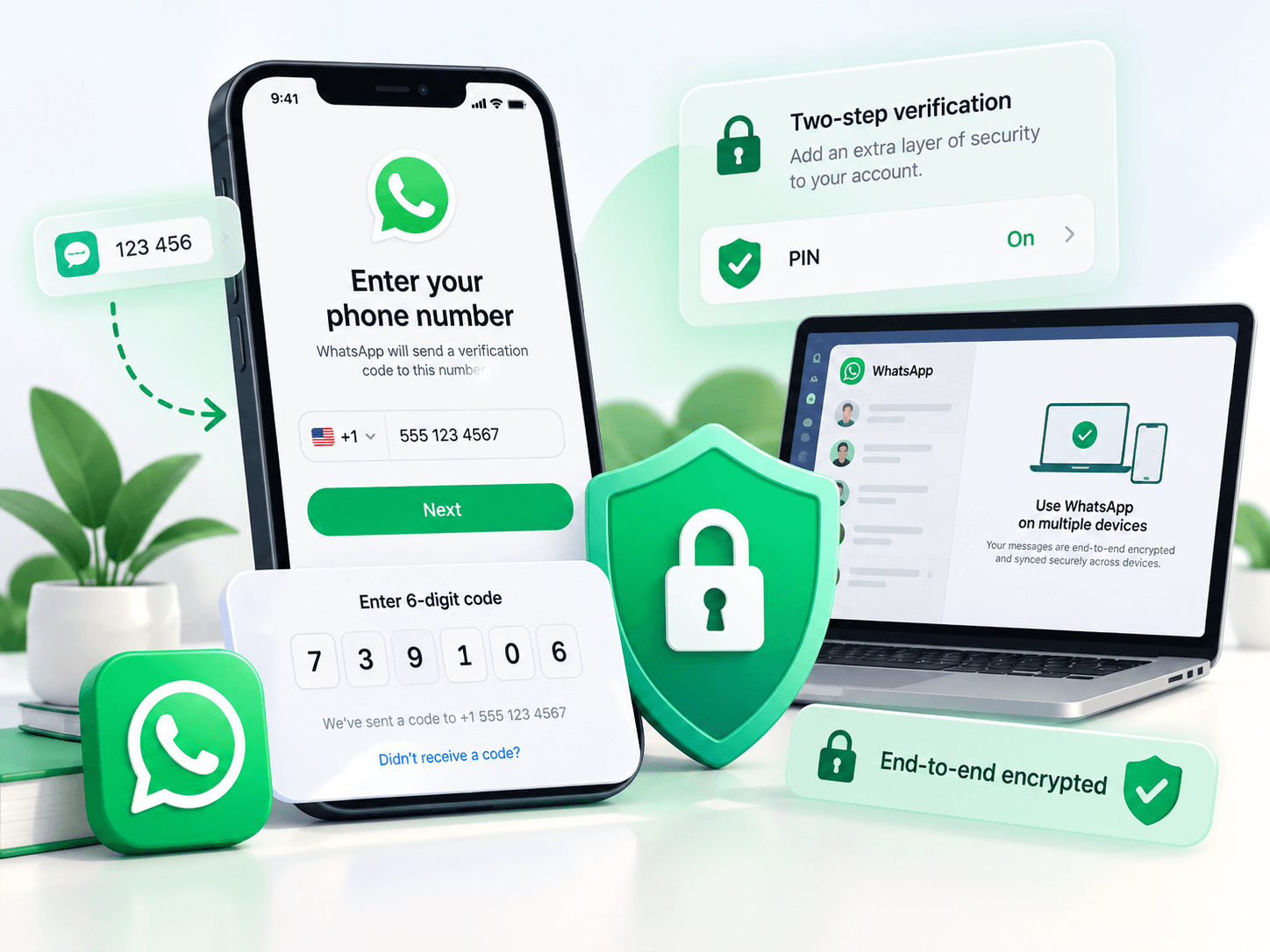
Enable "Two-Step Verification" promptly: Set up a PIN code and security email in WhatsApp "Settings - Account - Two-Step Verification." When reinstalling the app later, you can quickly verify via email.
Keep the login environment stable: Try to use on a fixed device, avoid frequently changing login nodes or switching between multiple devices in a short time.
Avoid mass-adding friends right after registration: After successfully registering a new account, first have normal conversations with 1-2 friends, nurture the account for a few days before using it for daily business.
Hope the above troubleshooting ideas help everyone successfully resolve WhatsApp verification code issues!
Frequently Asked Questions
Q1: What to do when WhatsApp shows "Too many voice calls, please try again in 12 hours"?
Answer: This means your number has triggered frequent verification risk control restrictions in a short time. At this point, remember do not continue pressing any send or call buttons; frequent operations will only extend the lockout countdown. The safest approach is to exit the app, keep background cleared, leave the phone connected to the internet and wait a full 12 to 24 hours before trying again.
Q2: Can virtual phone numbers (like TextNow, Google Voice) receive WhatsApp verification codes?
Answer: Currently, WhatsApp has implemented very strict filtering mechanisms for most VoIP virtual number segments. Although a very small number of segments occasionally have success cases, in most cases the system will directly show "This is not a valid phone number," or even if registration succeeds by luck, it's highly likely to be immediately banned. It's recommended to prioritize physical overseas SIM cards or genuine eSIMs.
Q3: Why still can't receive verification codes after switching to Hong Kong or US nodes?
Answer: Many IP nodes provided by proxy services or public proxies are "dirty IPs" shared by hundreds or thousands of people. When WhatsApp detects frequent account registration or verification under the same IP address, it determines the environment has group control risks and refuses to send verification codes. Trying to switch to cleaner, independently used native IP nodes often improves the situation.
Q4: Are WhatsApp accounts registered through verification code platforms safe?
Answer: Extremely high risk. Numbers obtained through one-time verification are usually public resources. Once you log out or change devices, since you can't use that number to receive verification codes again, the account will be permanently lost. Additionally, if such numbers are re-rented by the original platform, others could log in at any time and kick you off your account.
Q5: Forgot the two-step verification (PIN code), can the account be recovered without receiving verification codes?
Answer: Two-step verification and SMS verification codes are dual security mechanisms. If you remember the phone number and can receive codes but forgot the PIN code and haven't linked an email, the system will force-lock the account for 7 days for security reasons. After the 7-day cooldown period, you can skip the PIN code and log in again, but all unread messages during that period will be cleared.